
Find your next Kling model.
Explore Kling models for video creation, motion control and talking avatars.

Kling 4.0
3–30-second storytelling with Omni Reference, up to 10 keyframes and output up to 4K.
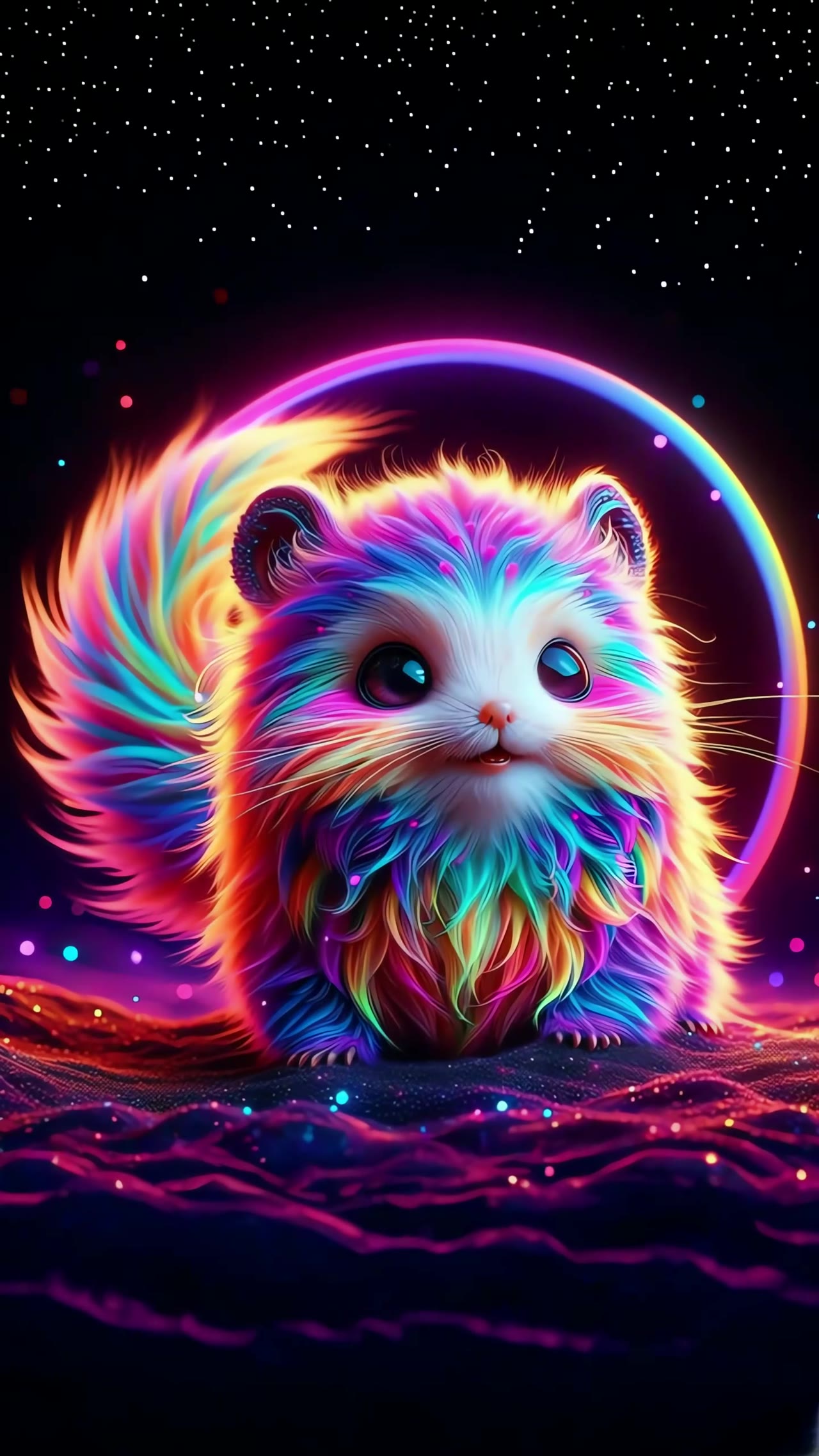
Kling 4.0 Flash
Text, images and Omni Reference for 3–20-second, 720p video and frequent creative iteration.
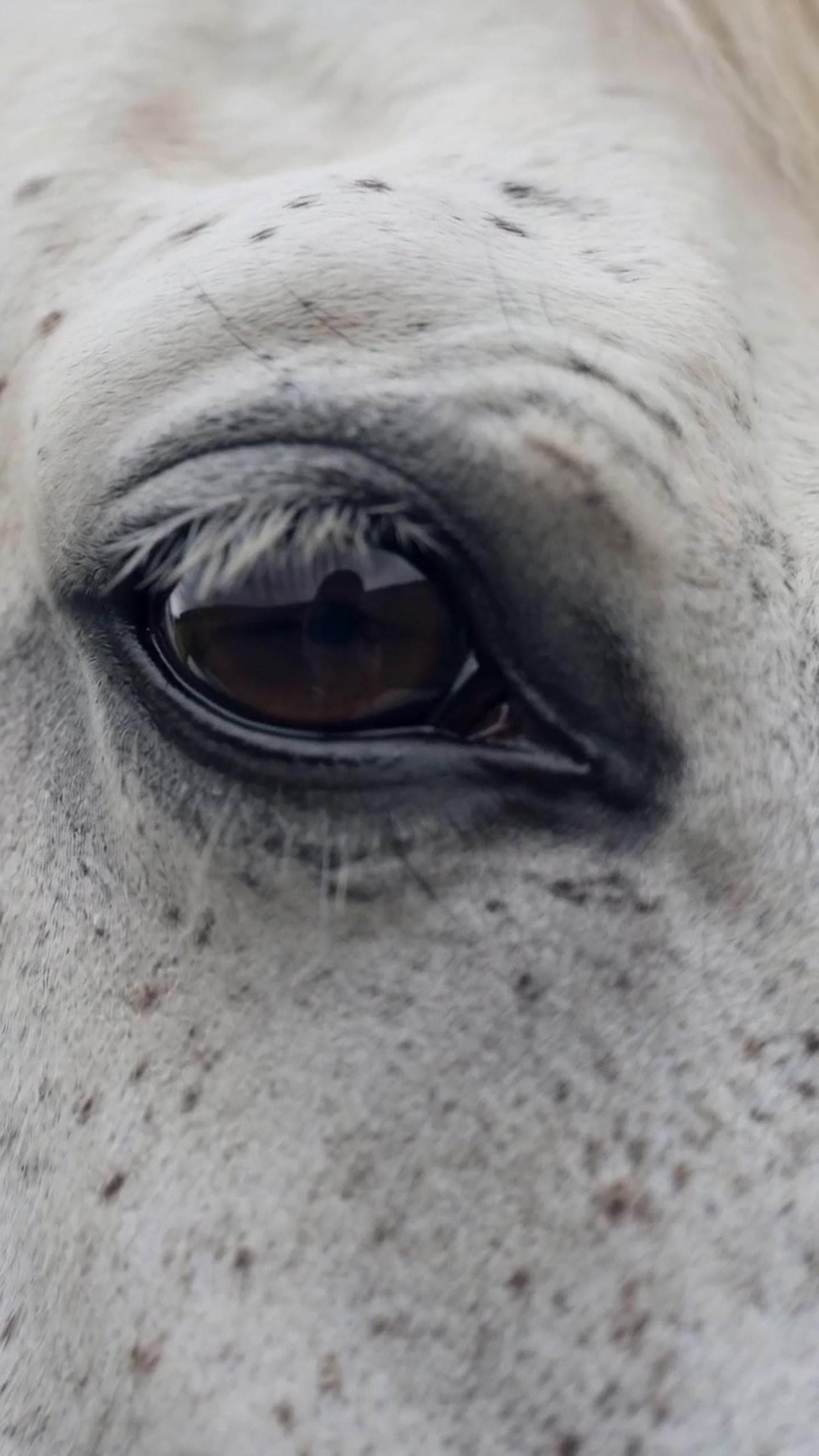
Kling 3.0
Kling 3.0 enables cinematic AI video creation, with text-to-video, image-to-video, multi-shot storytelling, native sound and flexible output up to 15 seconds. Explore Kling 3.0.
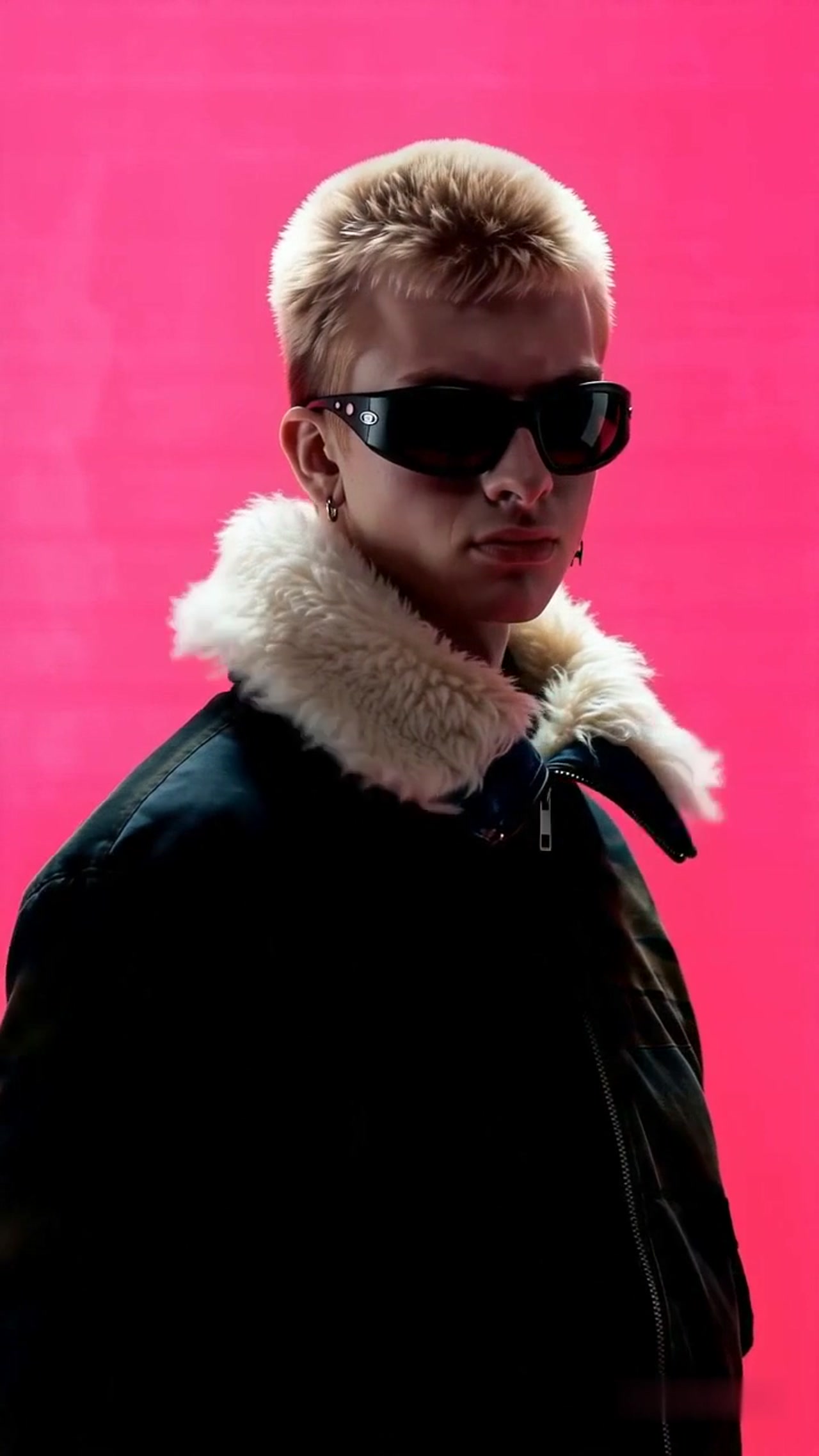
Kling 3.0 Turbo
Use Kling V3 Turbo to quickly generate high-quality text-to-video and image-to-video content, with precise audio-visual synchronization and cinematic visuals.
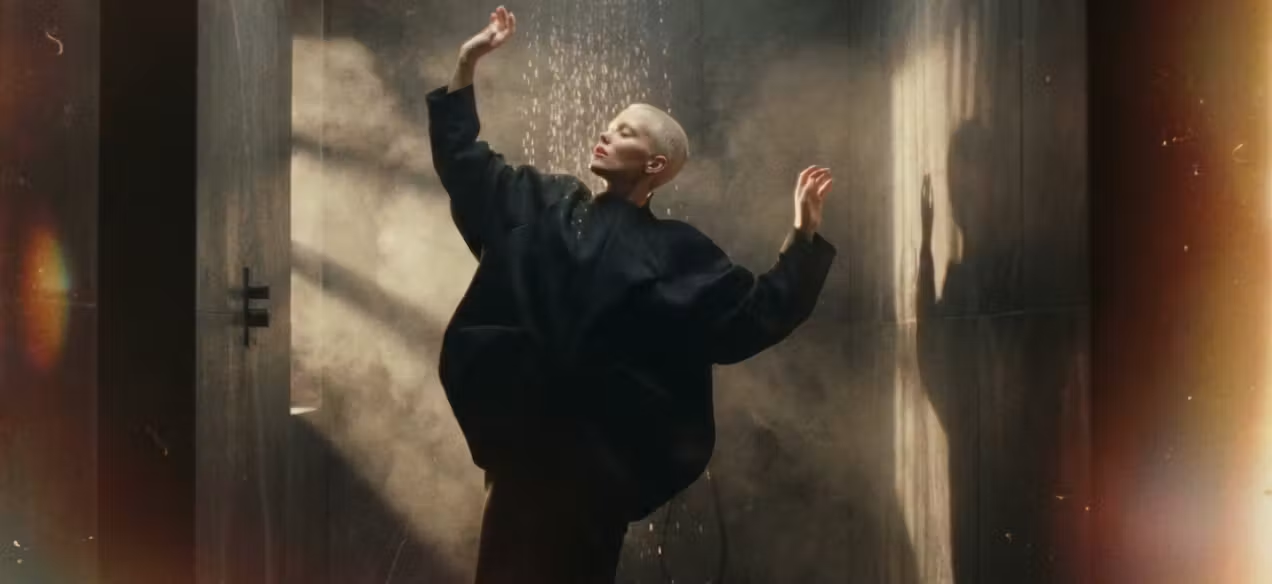
Kling 2.5 Turbo
Kling 2.5 Turbo supports text-to-video and image-to-video generation, with smoother motion, more consistent style and realistic physical effects.
Frequently asked questions
Which Kling workflow should I choose?
Use text to video when you start with an idea, image to video when you already have a first frame, Motion Control when you have a motion video, and Avatar when you have a portrait and recorded speech. O3 also offers reference and transformation workflows.
Why do versions of the same model have different controls?
Text, image, reference and transformation workflows accept different inputs. Selecting a model loads its own duration, resolution, audio and media controls. Open the family page to compare those workflows before choosing.
Which models can I use without VIP?
Kling 2.5 Turbo Text and Image are basic workflows. Other current workflows require VIP access. Basic access still needs a signed-in account and sufficient available credits to generate.
How do Kling 4.0 and Flash differ?
Kling 4.0 emphasizes longer videos, 4K output and keyframe control. Flash emphasizes frequent creation with 720p output and a shorter duration range. Compare the model profiles, then check the selected workflow and quote in the workspace.
Can I use my completed videos as references?
Yes, in workflows that accept video references and when the clip meets their size, duration and format requirements. My creations shows your completed outputs; image-only inputs allow video preview but cannot select a video as an image.
How do I compare generation costs?
Choose the same duration and comparable output settings, then inspect each quote before submitting. Audio and quality can change the required credits. The model library does not promise a fixed completion time.