Vidu Q4 Image-to-Video
Upload one JPG, PNG or WEBP image up to 50 MB as the first frame. The video follows its aspect ratio. The prompt is optional.
Open workspaceVidu Q4 is an AI video model for cinematic videos with realistic motion, expressive characters and synchronized audio. Generate 3–16 second clips up to 4K from one image, or combine up to 15 reference images and 3 voice clips to keep characters and voices consistent.
Image or references to video · 540p–4K · 3–16 seconds · native audio
Two workflows share the same quality, length and audio options. Start from one image, or guide a new scene with references.
Upload one JPG, PNG or WEBP image up to 50 MB as the first frame. The video follows its aspect ratio. The prompt is optional.
Open workspaceAdd 1–15 reference images and up to 3 MP3 voice clips, then describe the scene. Choose 16:9, 9:16, 1:1, 4:3 or 3:4.
Open workspaceVidu Q4 brings expressive acting, multi-reference control, native audio, cinematic camera moves, VFX and 4K output to every clip.
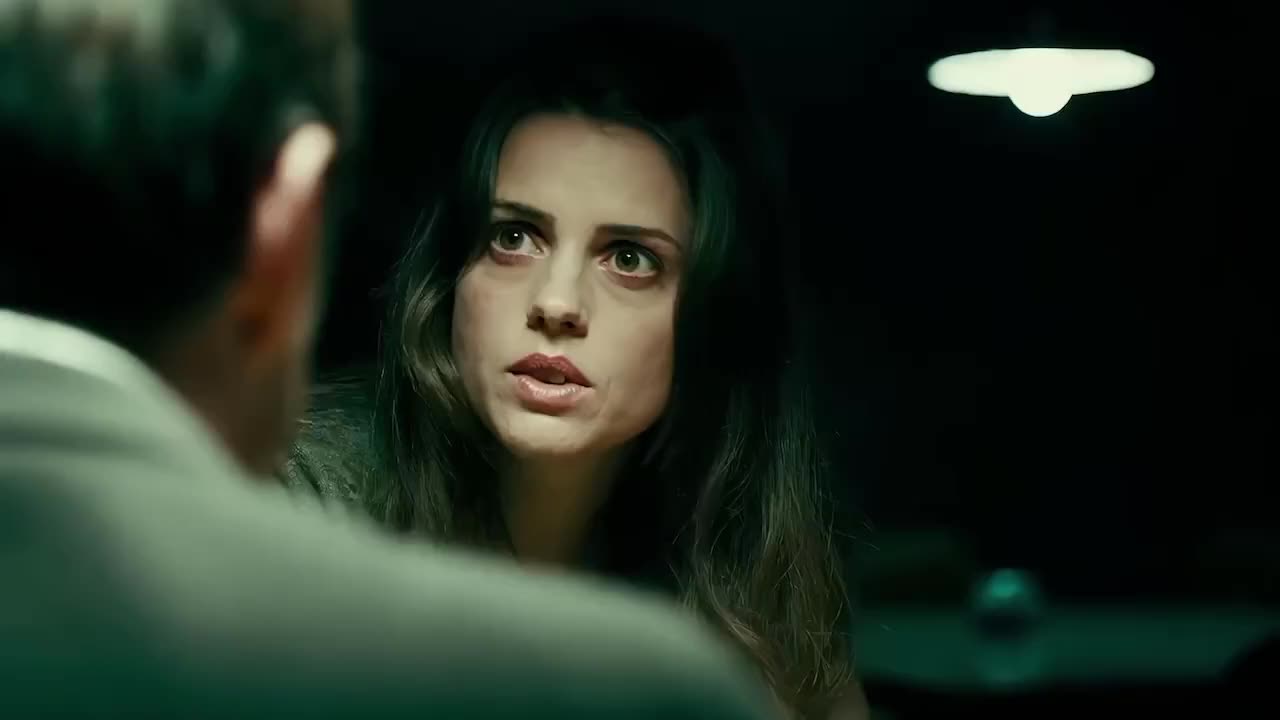
Create lifelike characters with natural facial expressions, body movements and emotional reactions. Vidu Q4 captures subtle changes in expression and gesture, from quiet conversations to intense action scenes. Characters smile, react, speak and move with greater realism. It suits AI films, animated stories and character-driven videos.
Upload up to 15 reference images to control character appearance, clothing, objects and scene styles. Vidu Q4 uses these visual references to keep subjects recognizable while it creates new actions and camera angles. Combine character portraits, product images and environment references to guide the composition. Refer to each image by its order in the prompt.
Generate dialogue, ambient sound and cinematic sound effects together with the video in Vidu Q4. Audio references help guide character voices, tone and emotional expression. In reference mode you can add up to 3 MP3 voice clips of 3–12 seconds each. Native audio also supports synchronized speech and lip movement, so you need fewer separate voiceovers and less manual audio editing.
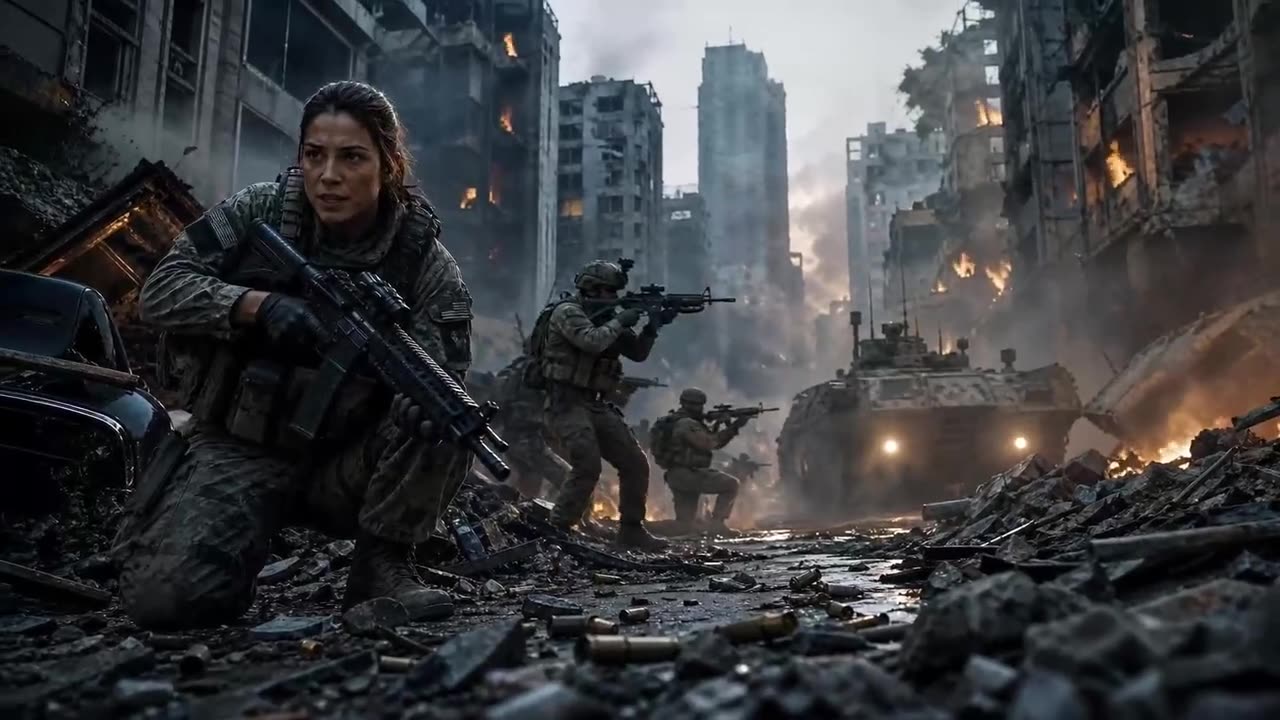
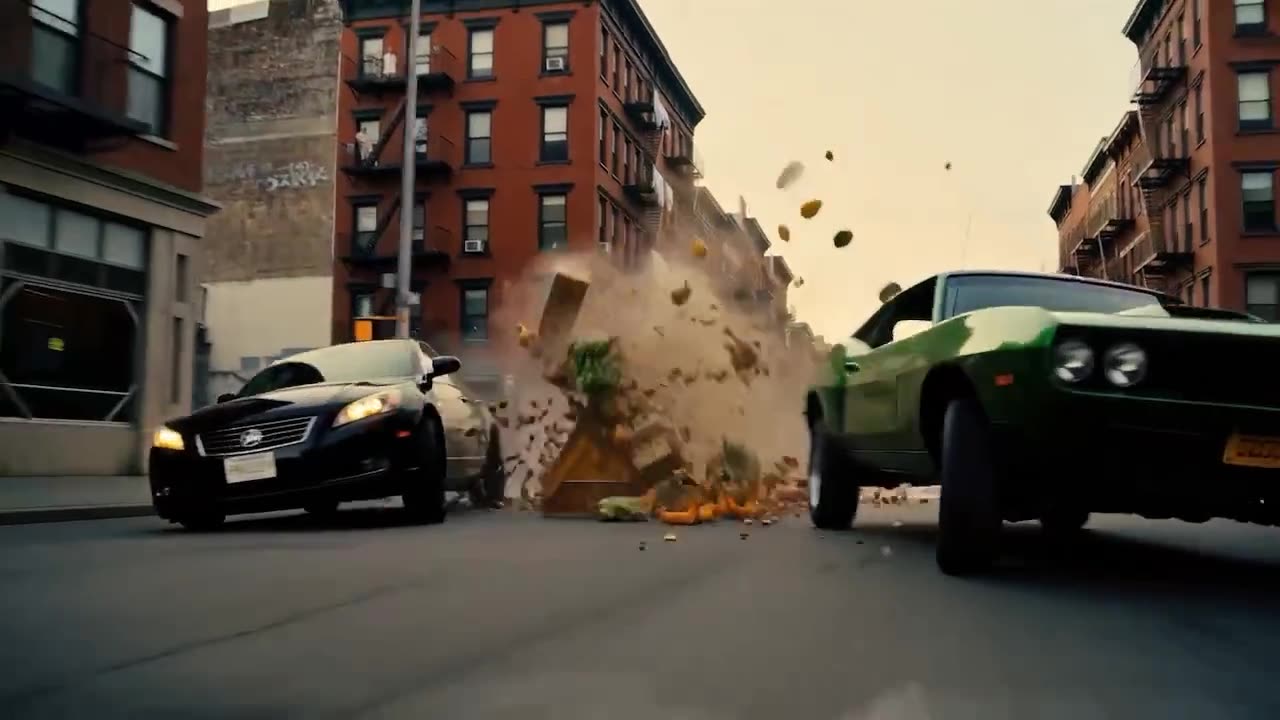
Create cinematic shots with dynamic camera moves, dramatic close-ups and smooth scene transitions. Vidu Q4 handles moving subjects, complex action and changing camera angles while keeping visual continuity. Describe tracking shots, chase scenes and multi-shot sequences in your prompt. The result feels planned, not random.
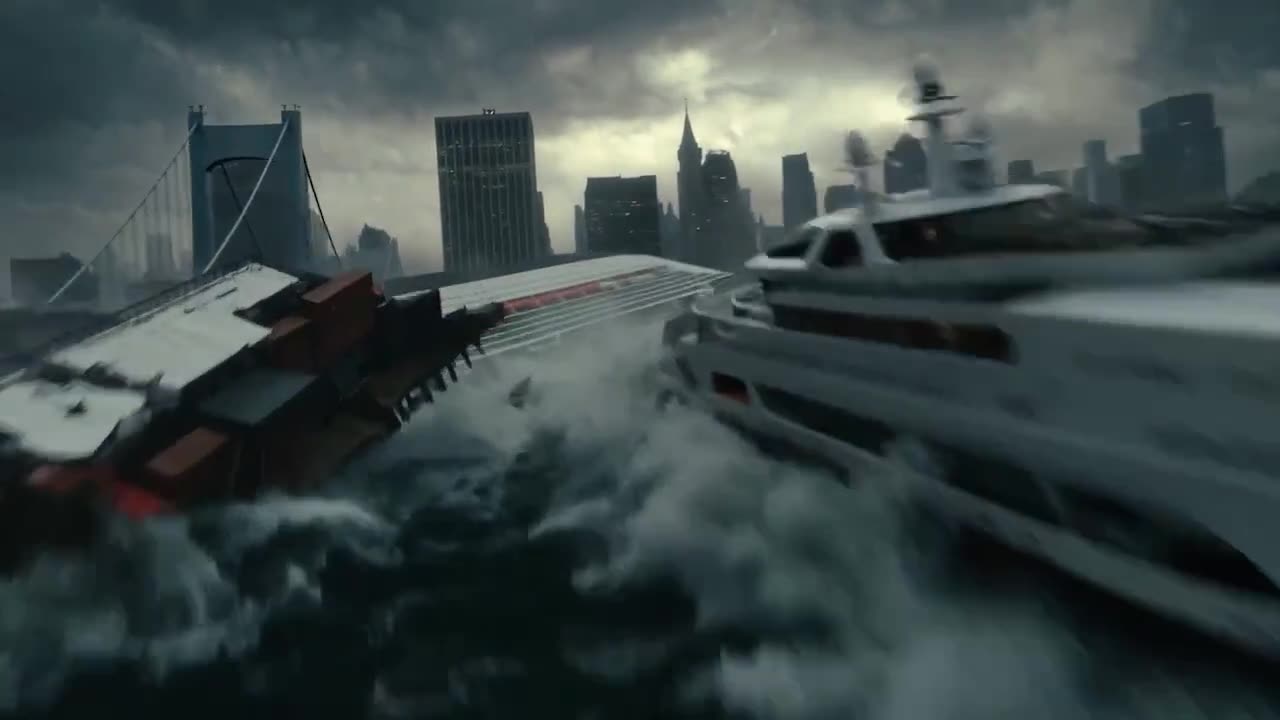
Generate explosions, smoke, fireworks, energy effects and dramatic lighting with Vidu Q4. The model blends visual effects with scene motion and lighting, so interactions look more real. Debris flies, waves crash and fire lights the faces around it. Produce action sequences, fantasy scenes and cinematic effects straight from your prompt.
Generate videos at resolutions up to 4K with support for 10-bit color depth. Vidu Q4 captures detailed textures, lighting and motion for cinematic production. Choose 540p or 720p for quick tests, then 1080p, 2K or 4K for final output. Every clip runs 3 to 16 seconds.
Make a cinematic clip in Vidu Q4 in three simple steps:
Sign in and open the Vidu Q4 workspace. For image-to-video, upload one JPG, PNG or WEBP first frame up to 50 MB. For reference-to-video, add 1–15 images and, if you like, up to 3 MP3 voice clips of 3–12 seconds.
Write the action, camera moves, dialogue and sound you want, and refer to references by their order. Choose 540p to 4K, a length of 3 to 16 seconds and whether to keep native audio on. Check the credit estimate before you start.
Start the generation and Vidu Q4 creates your clip with picture and sound together. Preview it in your library, adjust the prompt or references if needed, and download the finished video for films, ads or social posts.
Vidu Q4 builds on Vidu Q3 with more expressive characters, multi-reference control and cinematic production. It adds up to 15 reference images, 3 voice references, native audio and 4K output, with better faces, camera moves and visual effects.
| Capability | Vidu Q4Up to 4K | Vidu Q3 |
|---|---|---|
| Positioning | Expressive, reference-driven cinematic video | Native audio-video storytelling |
| Workflows | Image-to-video and reference-to-video | Text, image and reference to video |
| Maximum resolution | 4K | 1080p |
| Quality options | 540p, 720p, 1080p, 2K, 4K | 540p, 720p, 1080p |
| Color depth | 10-bit support | Not listed |
| Clip length | 3–16 seconds | Up to 16 seconds |
| Reference images | Up to 15 | Up to 7 |
| Voice references | Up to 3 MP3 clips, 3–12 s each | Not listed |
| Native audio | Dialogue, ambience and sound effects | Dialogue, voiceover, effects and music |
| Character performance | More expressive faces and body language | Precise lip sync |
| Camera and VFX | Tracking, chases, multi-shot; explosions, smoke, energy | Frame-accurate camera control and smart cuts |
| Best for | Character films, ads and complex action | Short drama, animation and narrative clips |
Vidu Q4 is an AI video model that creates cinematic videos with realistic motion, expressive characters and synchronized audio. It supports up to 4K resolution, 16-second videos and multiple image and voice references for consistent characters and voices.
Vidu Q4 Preview is the preview version of the Vidu Q4 model. Features and settings may change as the model develops, and this page will follow those updates.
Yes. Vidu Q4 offers 540p, 720p, 1080p, 2K and 4K in both image-to-video and reference-to-video. Higher quality uses more credits, so many creators test at 540p or 720p first.
Each Vidu Q4 video runs from 3 to 16 seconds, chosen in whole seconds. That is enough for a cinematic scene, a character moment or a social clip. Combine several clips for longer stories.
Vidu Q4 reference-to-video accepts 1 to 15 reference images in JPG, PNG or WEBP, up to 50 MB each. They keep characters, objects and visual style consistent across the video. Image-to-video uses one image as the first frame.
Yes. Vidu Q4 generates dialogue and sound effects together with the picture, and native audio is on by default. In reference-to-video you can also add up to 3 MP3 voice references of 3–12 seconds to keep character voices consistent. Turn audio off for a silent video.
Vidu Q4 is billed per second of video, by quality: 14.4 credits at 540p, 30.4 at 720p, 38.4 at 1080p, 60.8 at 2K and 124.8 at 4K. The price is the same with or without audio and in both workflows. A 5-second 720p clip uses 152 credits.
Images can be JPG, PNG or WEBP, up to 50 MB each. Voice references must be MP3, 3–12 seconds long and up to 50 MB. If a file does not fit, the upload box tells you why and what to change.
In image-to-video, Vidu Q4 follows the aspect ratio of your first-frame image. In reference-to-video you choose 16:9, 9:16, 1:1, 4:3 or 3:4, so one set of references can serve widescreen, vertical and square posts.
Refer to each input by its order, for example: “In the scene of reference image 1, the man in reference image 2 says hello using reference audio 1.” Add the action, the camera move and the mood. Prompts can be up to 20,000 characters.
Vidu Q4 raises the ceiling to 4K and up to 15 reference images, adds voice references, and improves facial expressions, camera moves and visual effects. Vidu Q3 tops out at 1080p and 7 reference images. Both make up to 16 seconds with native audio.