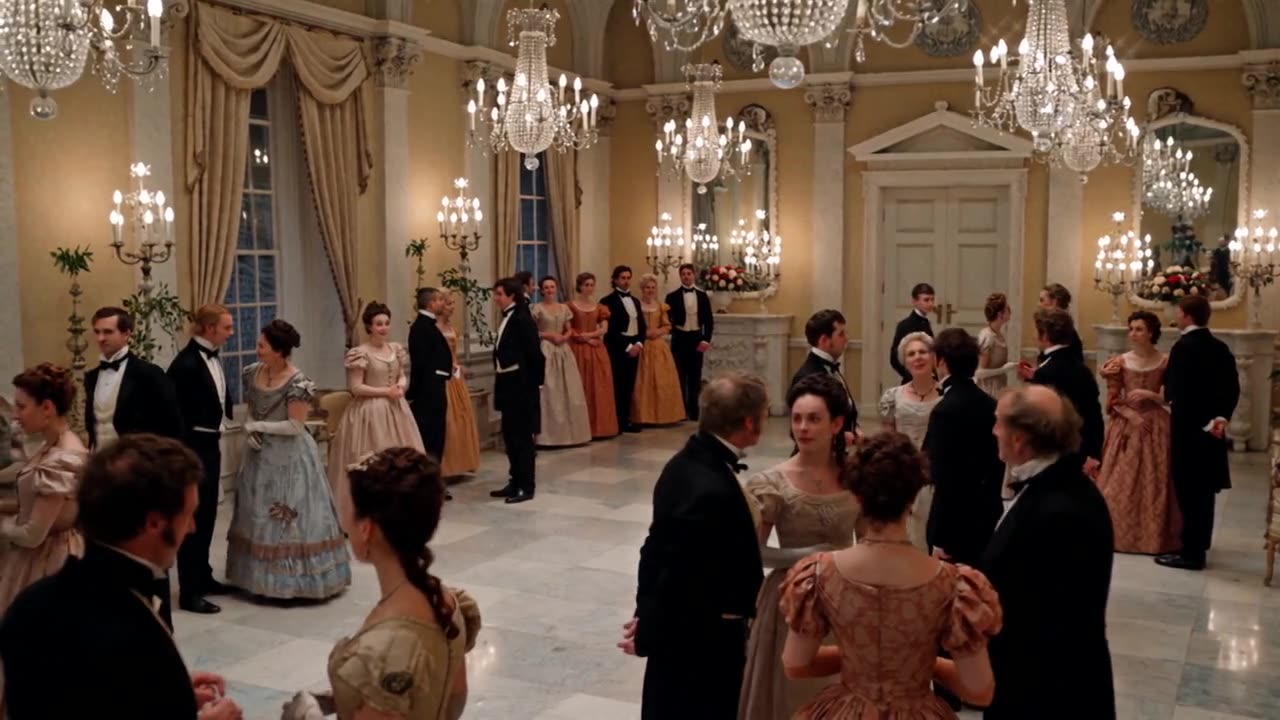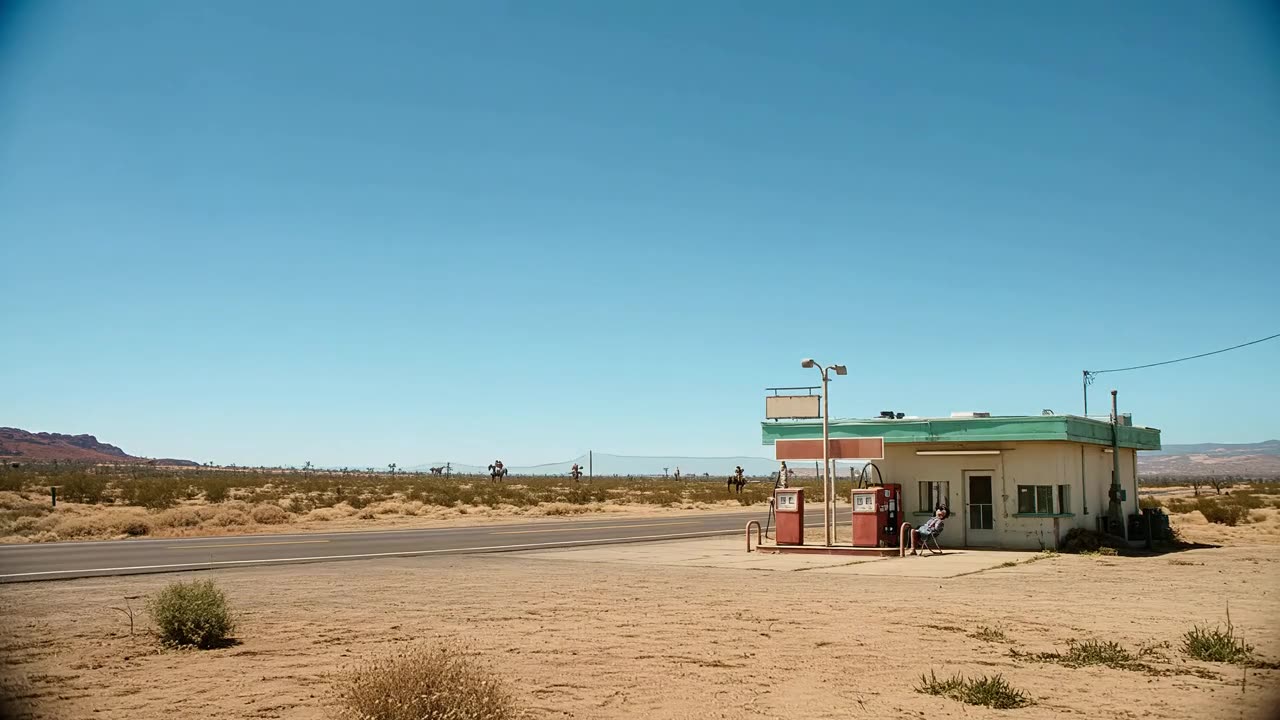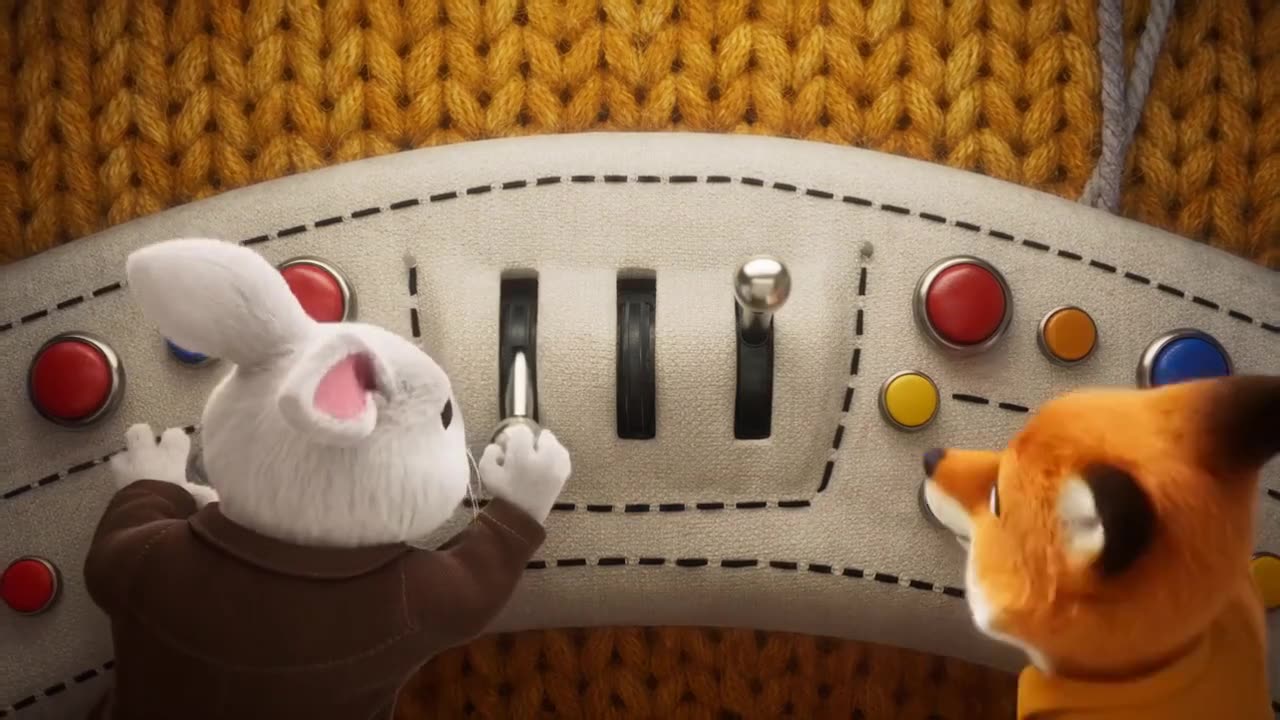
Wan 3.0 Video Prime Text-to-Video
Describe the story, shots, dialogue and sound in Chinese or English, up to 20,000 characters. Pick 2–30 seconds and 480p to 1080p.
Open workspaceWan 3.0 Video Prime is the high-speed AI video model from Alibaba’s Wan family. It keeps the core abilities of Wan 3.0 Video with much faster end-to-end generation. Make 2–30 second videos with dialogue, music and sound effects at 480p, 720p or 1080p, from a prompt, from first and last frames, or from up to 10 reference images, a video clip and up to 5 audio clips.
Text, frames or references to video · 480p–1080p · 2–30 seconds · audio on
Three workflows share the same lengths, aspect ratios, quality and sound options. Start from words, from keyframes or from references.
Describe the story, shots, dialogue and sound in Chinese or English, up to 20,000 characters. Pick 2–30 seconds and 480p to 1080p.
Open workspaceUpload a JPG, PNG or WEBP first frame up to 20 MB and, if you like, a last frame. Each side must be 240–8000 px. The prompt is optional.
Open workspaceAdd up to 10 reference images, one MP4 or MOV clip of 1–15 seconds and up to 5 MP3 or WAV clips of 15 seconds combined, then call them Image1, Video1 and Audio1 in the prompt.
Open workspaceWan 3.0 Video Prime brings fast generation, multimodal references, 30-second videos, native sound, consistent characters and keyframe control to one model.
Wan 3.0 Video Prime is the high-speed version of Wan 3.0 Video. Its core capabilities are aligned with the standard model, while end-to-end generation is significantly faster. That suits ads, social content and any project where you need many versions quickly. Choose Wan 3.0 Video Prime when speed matters and you still want full Wan 3.0 quality and control.
Go beyond simple prompts and combine text, images, video and sound. Wan 3.0 Video Prime uses up to 10 reference images for characters, objects, props and places, one video clip for motion or a scene, and up to 5 audio clips for voices or a song. Call them Image1, Video1 and Audio1 in the prompt, for example: “Image1 holds Image2 and plays the song from Audio1.” Wan 3.0 Video Prime then builds one scene from all of them.
Create longer, more complete sequences in a single generation. Wan 3.0 Video Prime makes videos from 2 to 30 seconds, so a story, a product showcase or a short ad fits in one clip. Alibaba describes multi-shot prompts with shots of about 4–6 seconds, each marked with a time range. Characters, props, places and sound stay steady across the extra time in Wan 3.0 Video Prime.
Create picture and sound as one connected experience. Wan 3.0 Video Prime generates dialogue, background music and sound effects together with the video, so you need fewer separate voiceovers and less audio editing. Audio is on by default and you can turn it off for a silent clip. Add an audio reference, and Wan 3.0 Video Prime can follow that voice, rhythm or song.
Keep key characters, products, objects and visual details steady as scenes and motion change. Reference images help Wan 3.0 Video Prime preserve faces, outfits, props and styles from shot to shot. Alibaba highlights lifelike, varied human faces and natural micro-expressions in the Wan 3.0 generation. That makes Wan 3.0 Video Prime useful for brand films, character stories and product videos.
Start from an exact image and, if you like, end on another. Wan 3.0 Video Prime uses your first frame strictly as the opening shot and fills in the motion toward an optional last frame. It suits transformations, reveals, mood shifts and product moments that must begin and end on a set look. In this mode, Wan 3.0 Video Prime does not mix in reference images or audio.
Make a complete clip in Wan 3.0 Video Prime in three simple steps:
Sign in and open the Wan 3.0 Video Prime workspace. Write a prompt for text-to-video, upload a first frame and an optional last frame, or add up to 10 reference images, one 1–15 second video clip and up to 5 audio clips.
Write the action, the shots, the dialogue and the sound, and name references as Image1, Video1 and Audio1. Choose 2 to 30 seconds, 480p, 720p or 1080p, an aspect ratio or adaptive, and whether to keep audio on. Check the credit estimate before you start.
Start the generation and Wan 3.0 Video Prime creates your clip with picture and sound together. Preview it in your library, adjust the prompt, frames or references if needed, and download the finished video for ads, stories or social posts.
Both models share the core Wan 3.0 abilities, including four kinds of references, videos up to 30 seconds and immersive sound. The main difference is speed: Wan 3.0 Video Prime is built for much faster end-to-end generation.
| Capability | Wan 3.0 Video PrimeFaster | Wan 3.0 Video |
|---|---|---|
| Positioning | High-speed version of Wan 3.0 Video | Standard Wan 3.0 video generation |
| Generation speed | Significantly faster end to end | Standard |
| Core abilities | Aligned with Wan 3.0 Video | Standard |
| Reference types | Audio, image, text and video | Audio, image, text and video |
| References on this site | Up to 10 images, 1 video and 5 audio clips | Not offered on this site |
| Maximum length | Up to 30 seconds | Up to 30 seconds |
| Length options here | Any length from 2 to 30 seconds | Not listed |
| Audio-visual generation | Dialogue, music and sound effects | Yes |
| First and last frame | First frame, optional last frame | Not listed |
| Output quality | 480p, 720p or 1080p | Not listed |
| Aspect ratios | Adaptive, 16:9, 4:3, 1:1, 3:4, 9:16 | Not listed |
| Best for | Fast, high-volume video creation | Standard video generation |
Wan 3.0 Video Prime is the high-speed version of Wan 3.0 Video from Alibaba. It offers core abilities aligned with standard Wan 3.0 Video while making end-to-end generation significantly faster.
The main difference is speed. Wan 3.0 Video Prime keeps the core Wan 3.0 abilities, including four kinds of references and videos up to 30 seconds, and finishes each video much faster.
Yes. Wan 3.0 Video Prime is tuned for faster video generation while keeping the core abilities of standard Wan 3.0 Video, which makes it a strong choice when you need many videos or quick turnarounds.
In Wan 3.0 Video Prime you can start from a text prompt, from a first frame with an optional last frame, or from up to 10 reference images, one video clip and up to 5 audio clips. Name them Image1, Video1 and Audio1 in the prompt to guide characters, scenes, motion and sound.
Wan 3.0 Video Prime makes videos up to 30 seconds. Choose any length from 2 to 30 seconds; the default is 5 seconds. Longer clips leave room for full scenes, ads and multi-shot stories.
Wan 3.0 Video Prime is billed per second: 24.4 credits at 480p, 50.4 at 720p and 100.8 at 1080p. A 5-second 720p video uses 252 credits, and a 30-second 1080p video uses 3,024. With a reference video, its seconds are billed together with the output, so a 5-second clip and a 10-second 720p video use 756 credits. Sound does not change the price.
Yes. Audio is on by default, and Wan 3.0 Video Prime creates dialogue, background music and sound effects together with the picture. Turn audio off for a silent clip, or add an MP3 or WAV reference so the video follows a voice or song.
No. First and last frames cannot be mixed with reference images or audio, so they are separate workflows here. Use the frames workflow when the opening shot must be exact, and the reference workflow when you need several characters, products or a voice.
For Wan 3.0 Video Prime, images can be JPG, PNG or WEBP up to 20 MB, with each side from 240 to 8000 px and a shape no wider than 8:1. A reference video can be MP4 or MOV up to 100 MB and 1–15 seconds, with each side from 240 to 4096 px; the clip plus the output can run 30 seconds at most. Audio can be up to 5 MP3 or WAV files up to 15 MB each, 1–15 seconds each and 15 seconds combined. The upload box tells you if a file does not fit.
You can add one reference video of 1–15 seconds, and its length plus the output length can be at most 30 seconds. Wan 3.0 Video Prime itself can also read up to 5 videos, a document or a webpage link; those inputs are not offered on this site yet.
Wan 3.0 Video Prime renders at 480p, 720p or 1080p, with 720p selected by default here. Pick 16:9, 4:3, 1:1, 3:4 or 9:16, or leave it on adaptive so the shape follows your frame or references.