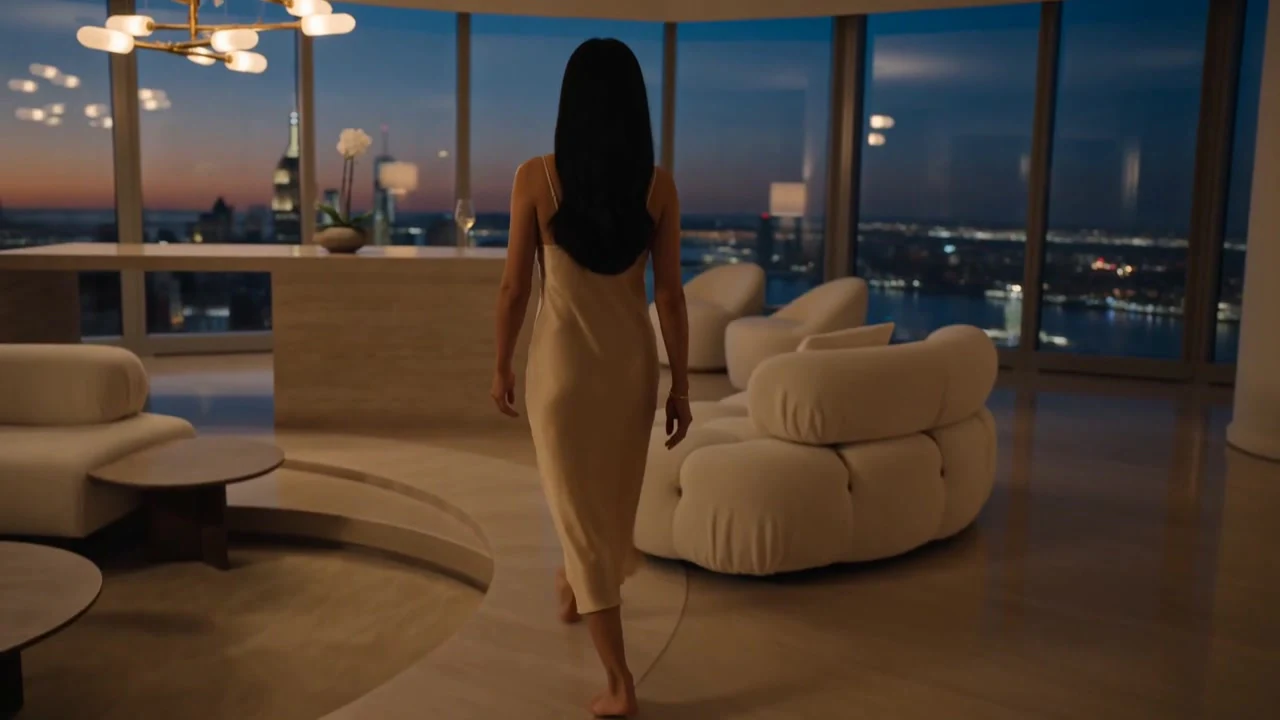
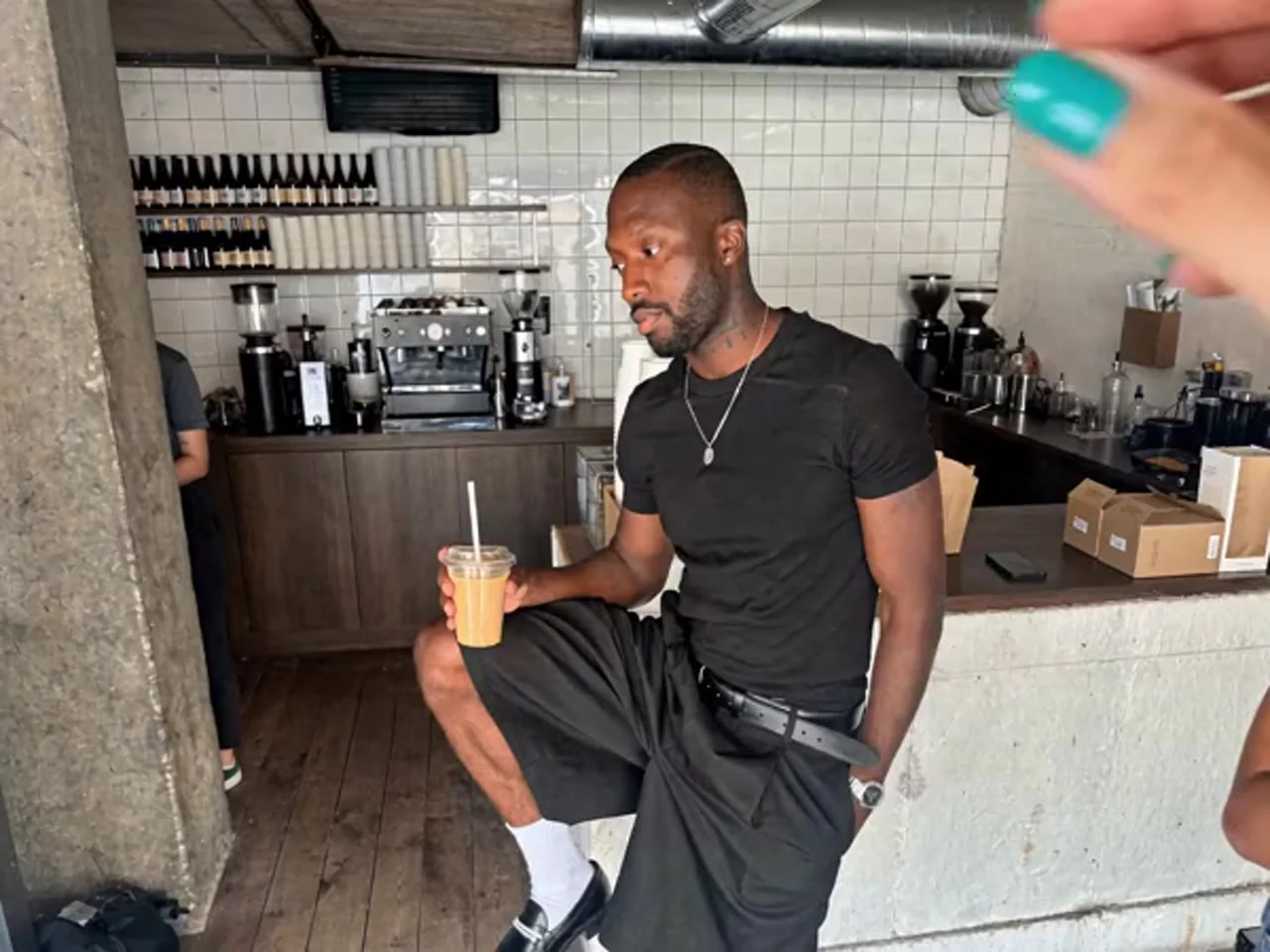
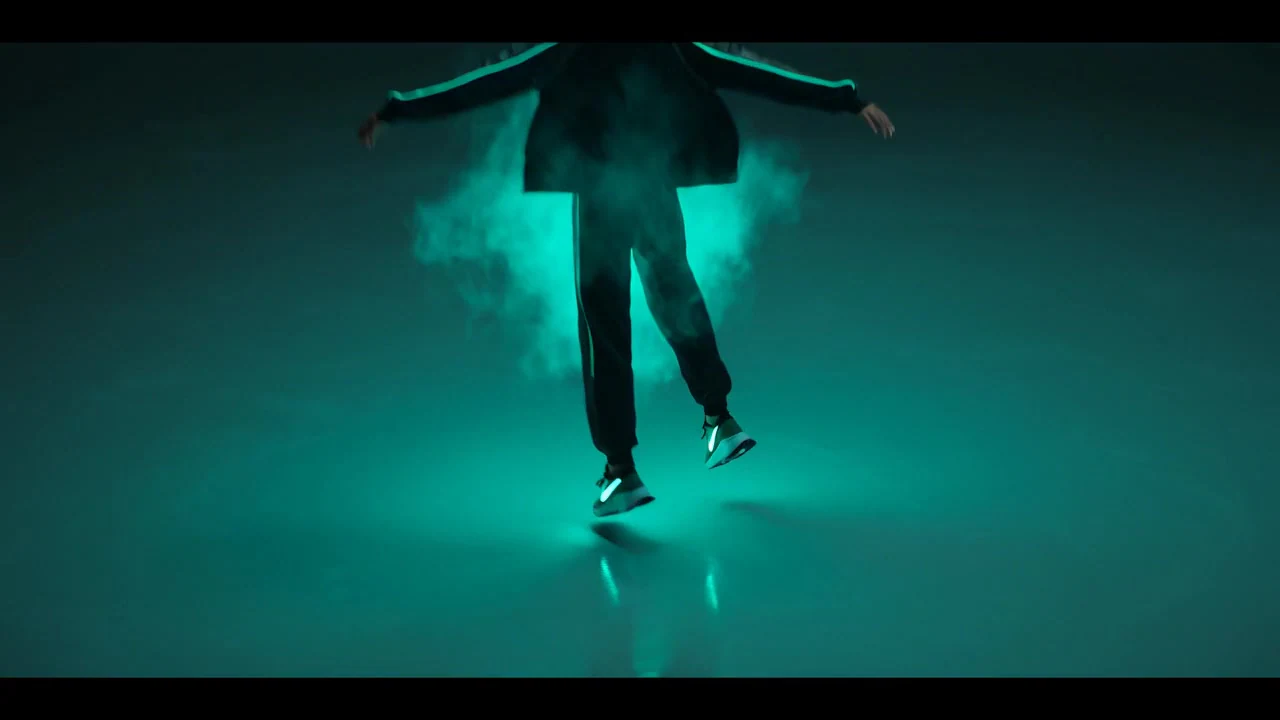
Create expressive avatar clips with Kling Avatar 2.0 on Kling 4. Add a portrait, speech or singing audio up to 15 seconds, and a required performance description.
New Release: Kuaishou Kling AI Avatar 2.0 for Dynamic Avatars
On Kling 4, Kling Avatar 2.0 creates short avatar performances from one portrait, audio up to 15 seconds, and a required performance description. Use the description to guide facial expressions, emotion and movement.
Kling AI Avatar V2 Standard focuses on efficient avatar generation, preserving lip synchronization and character identity. It suits educational explainers, automated broadcasts and internal training content. Output is up to 720p.
Kling AI Avatar V2 Pro focuses on greater visual quality and more detailed avatar performance. Facial detail, realism and expressive movement support marketing content and virtual avatars where visual presentation matters. Output is up to 1080p.
What Applications Can You Create with Kling Avatar 2.0?
Short Talking Avatar Videos
Portrait, Audio and Performance Direction with Kling Avatar 2.0
Upload one portrait and speech or singing audio up to 15 seconds, then enter a non-empty performance description. Describe the expression, emotion and movement you want; the required description does not replace the audio.
Avatar Clips up to 15 Seconds on Kling 4
Kling 4 currently limits Avatar 2.0 audio and each generated clip to 15 seconds. Prepare a short spoken line, explanation or singing excerpt, and check the duration and credit quote before creating.
Multilingual Speech and Singing with Kling AI Avatar V2
Kling AI Avatar V2 handles multilingual speech and singing audio. Facial movement follows different language rhythms for multilingual narration, dialogue and vocal performances with natural audio-visual synchronization.
Realistic, Stylized and Illustrated Avatars with Kling AI Avatar 2.0
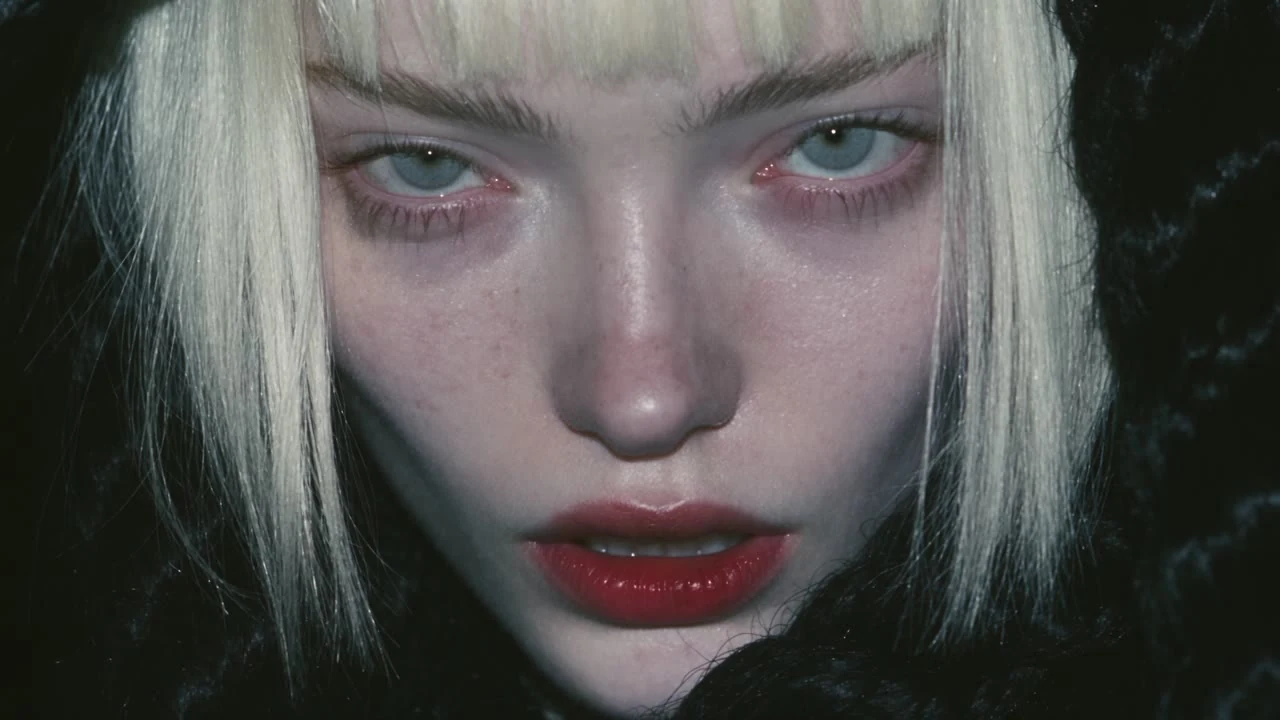
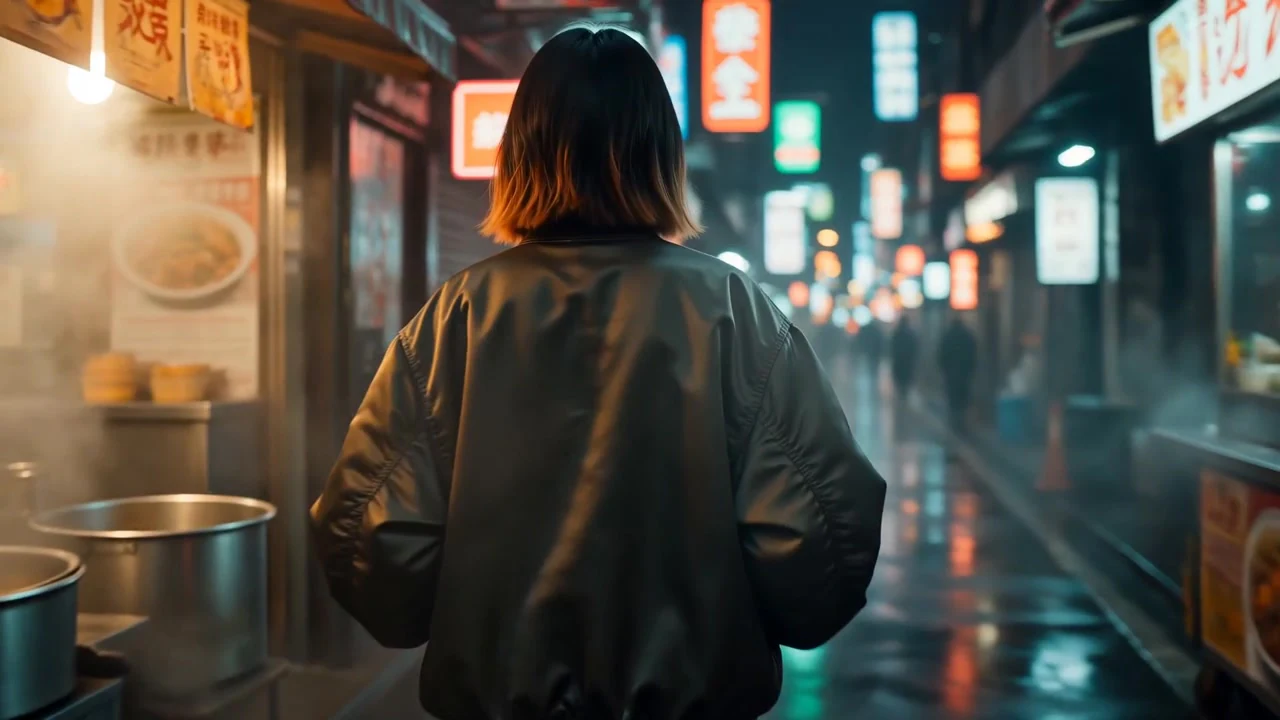
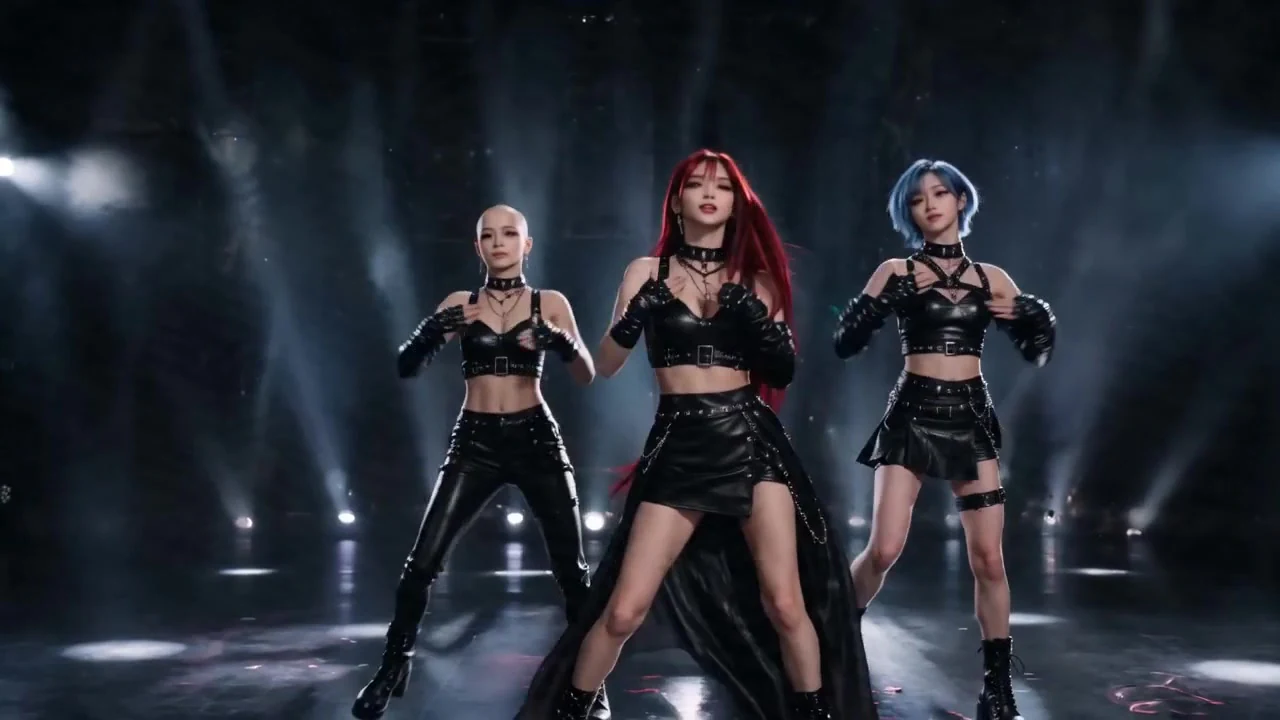
Kling AI Avatar 2.0 supports realistic portraits, anime characters, illustrations and stylized avatars beyond photorealistic faces, preserving source-character features across visual styles.
Emotion and Movement Control with Kling AI Avatar 2.0
Beyond lip synchronization, Kling AI Avatar 2.0 supports text directions for the performance. Emotional tone, expression intensity and movement style can shape calm, enthusiastic or serious delivery and the range of facial motion.
Upgraded Performance, Movement and Visual Quality
Compared with Avatar 1.0, Kling AI Avatar 2.0 improves body movement, facial expression and gesture coordination. Improved hand tracking and gesture stability support clearer hand movements and continuity in short performances.
What Can You Create with Kling Avatar 2.0?
1
AI Presenters and Explainer Videos with Kling AI Avatar 2.0
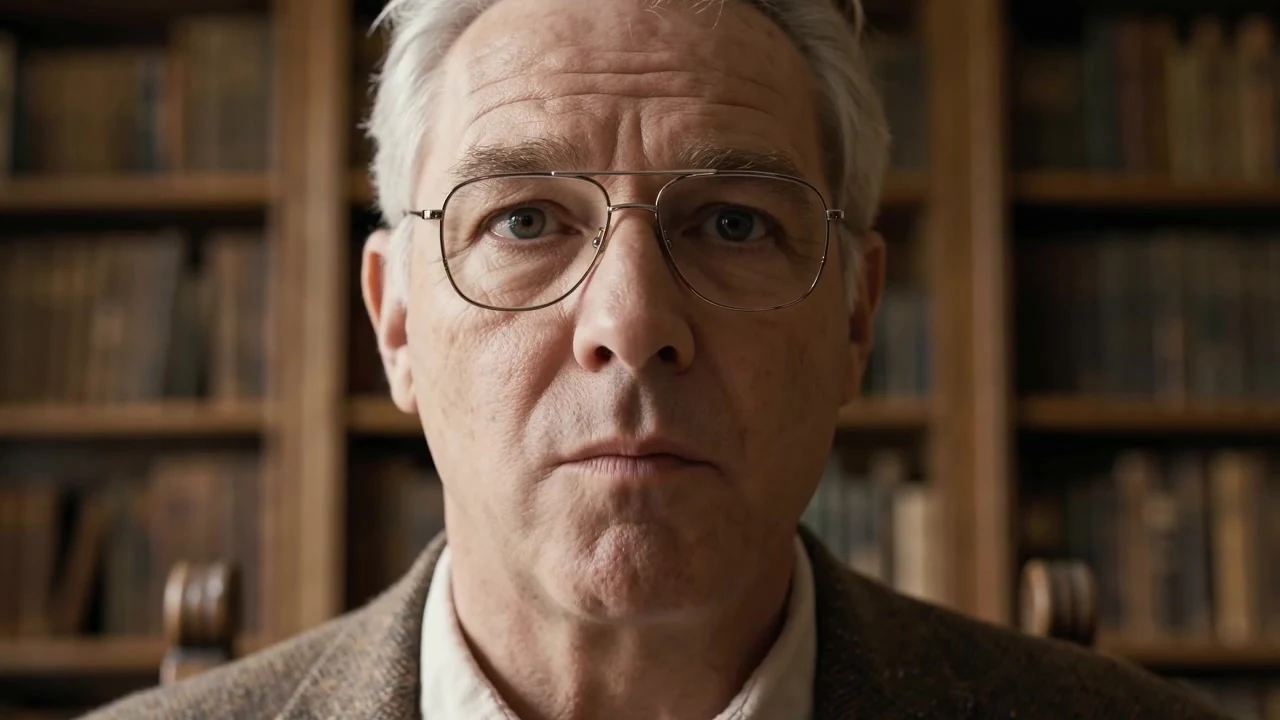
Use Kling Avatar 2.0 for short presenter clips, tutorial introductions and product explanations. Combine a portrait with narration up to 15 seconds and a required performance description, then review the result for your intended use.
2
Branded Marketing Videos with Kling Avatar 2.0
Marketing teams use Kling Avatar 2.0 to build branded avatar spokespeople for ads, landing pages, product launches, and social media campaigns. Because Kling Avatar 2.0 preserves visual identity while adapting to different scripts and languages, brands can maintain consistent character presence across multiple channels and formats.
3
Creative Characters and Expressive Stories with Kling AI Avatar V2
Kling AI Avatar V2 supports stylized illustrations, animated characters, and artistic avatars in addition to realistic portraits. This makes Kling AI Avatar V2 suitable for storytelling, entertainment content, roleplay experiences, and character-driven videos where expressive performance and personality matter.
4
Multilingual Avatar Communication with Kling AI Avatar 2.0
Kling AI Avatar 2.0 is well suited for multilingual content delivery across global audiences. Teams can use the same avatar to deliver messages in different languages while maintaining consistent appearance and natural lip-sync, making Kling AI Avatar 2.0 useful for international education platforms, global marketing, and cross-border communication.
Kling AI Avatar 2.0 Frequently Asked Questions
What do I need to create a talking avatar?
+
Provide a portrait, speech or singing audio no longer than 15 seconds, and a non-empty performance description. The image supplies the appearance and the recording supplies the voice; the required description guides expression and movement.
Which portrait images are accepted?
+
Standard and Pro accept JPEG or PNG up to 10 MB. Select an image for the portrait input; a completed video is not a portrait image and remains available only for preview in that input.
Which audio files can I use?
+
Supported audio formats include MP3, WAV, AAC, M4A and OGG, with a maximum size of 100 MB. Upload audio to the speech input rather than placing its link in the portrait field.
How long can the recording be?
+
Kling 4 currently accepts audio up to 15 seconds and limits each avatar output to 15 seconds. This is the supported creation range, not a processing-time promise. Check the recording duration and quote before starting.
Can I type a script instead of uploading speech?
+
No. A portrait, audio and a non-empty performance description are all required. Prepare speech or singing audio up to 15 seconds first. The description, up to 5,000 characters, guides the performance and does not turn a script into speech.
How do I choose Standard or Pro?
+
Standard and Pro both require a portrait, audio up to 15 seconds and a non-empty performance description, with the same upload limits. Both Standard and Pro require VIP access. Compare the quote and confirm the selected version before submitting.
Where do I see the avatar task and finished video?
+
After submission, the task appears in the current conversation with its state. Completed videos also appear in My creations. Confirmed failures release reserved credits; an unfinished task is not a completed creation.
Start Creating with Kling Avatar 2.0
Create expressive avatar clips with Kling Avatar 2.0 on Kling 4. Add a portrait, speech or singing audio up to 15 seconds, and a required performance description.