OmniHuman 2.0 Talking Avatar
Upload one portrait and 4–300 seconds of MP3 or WAV audio. The video follows the audio length at 720p. Add an optional prompt of up to 300 characters to guide gestures and camera.
Open workspaceOmniHuman 2.0 is an audio-driven AI video model that turns one image and one audio file into a lifelike talking avatar video, with natural lip sync, expressive faces, body gestures and videos up to 5 minutes long.
Image + audio to video · 720p · 4–300 seconds · optional prompt
One workflow: upload a portrait, add speech or singing, and optionally describe the performance.
Upload one portrait and 4–300 seconds of MP3 or WAV audio. The video follows the audio length at 720p. Add an optional prompt of up to 300 characters to guide gestures and camera.
Open workspaceOmniHuman 2.0 turns one image and your audio into a talking video with natural lip sync, expressive faces and body gestures.
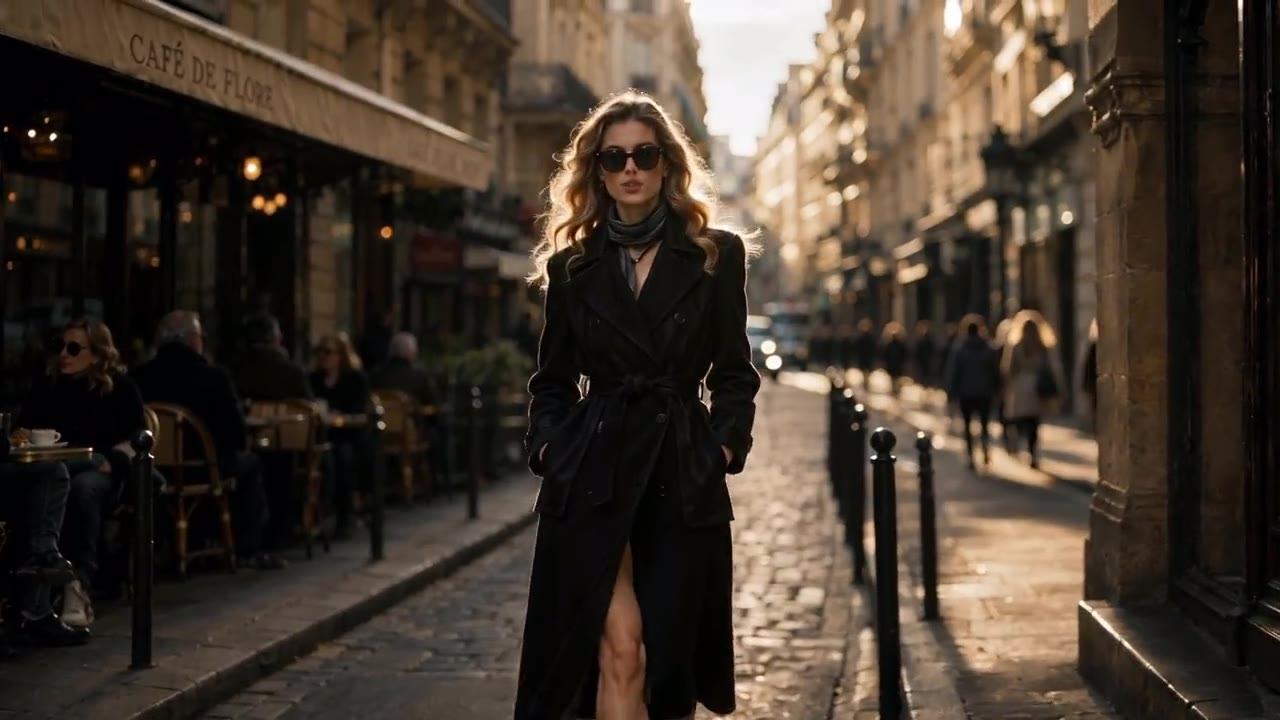
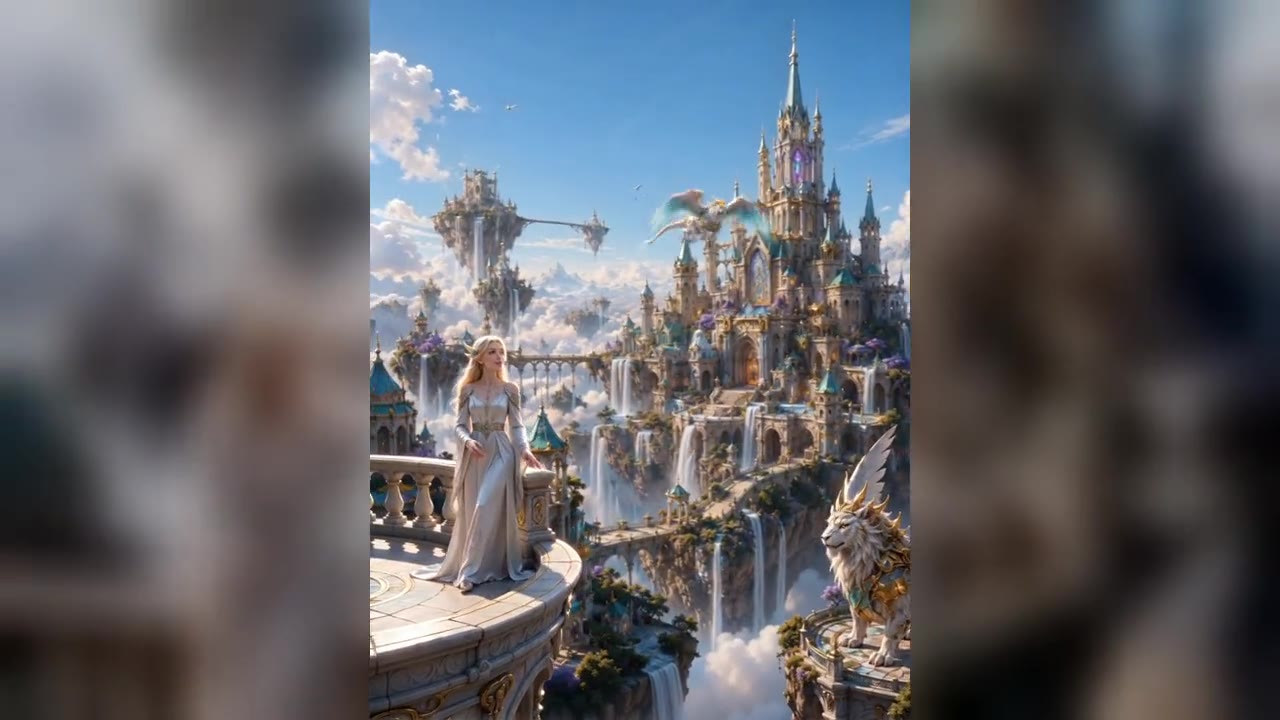
Turn a single image and an audio file into a realistic talking avatar video with OmniHuman 2.0. The model brings characters to life with natural speech, facial expressions and body movements, all driven by the audio. Create AI presenters, virtual characters and digital avatars without filming anyone. Upload a portrait photo, an illustration or a stylized character, and OmniHuman 2.0 keeps the face, outfit and style true to your image.
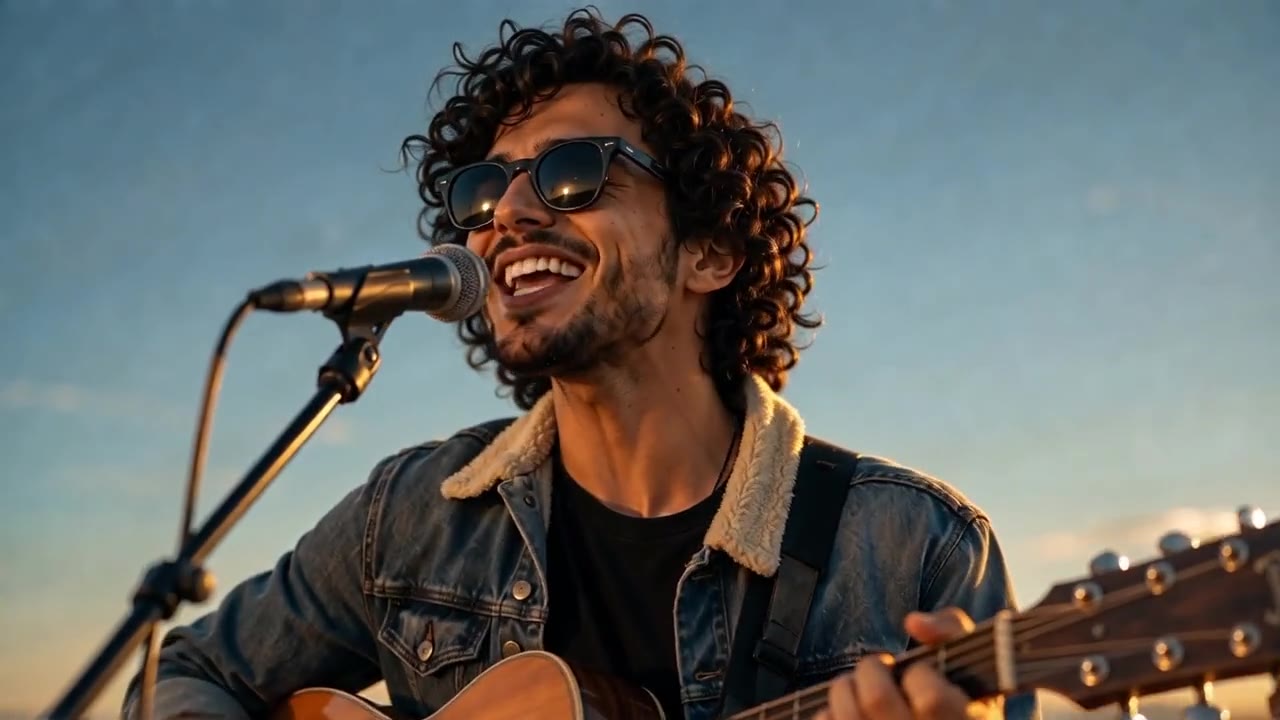
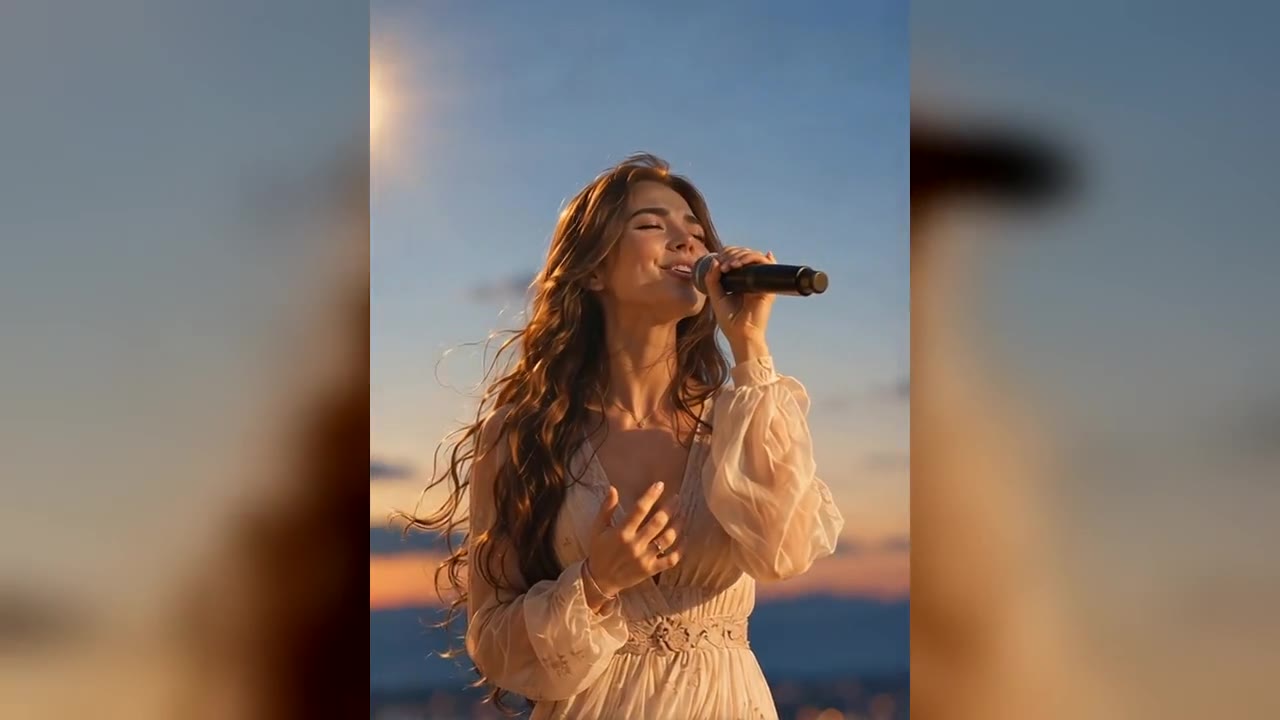
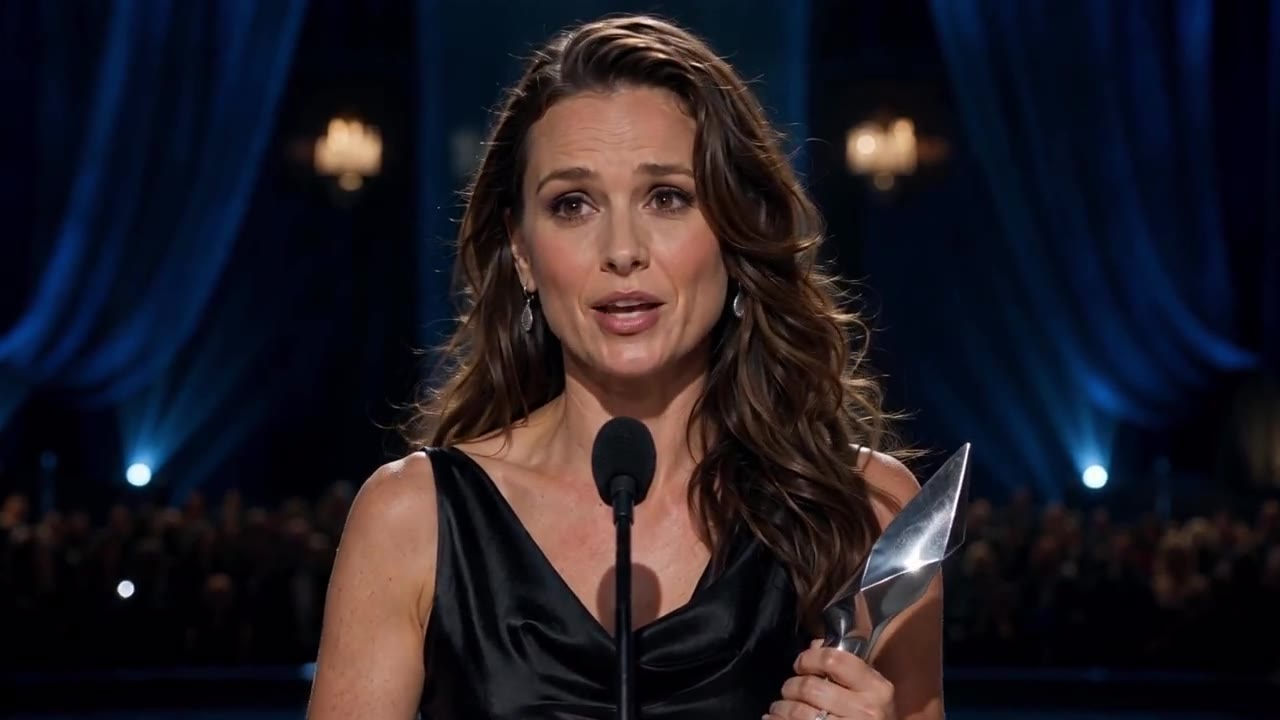
OmniHuman 2.0 creates talking videos with lip movements that closely follow spoken words and singing. Mouth shapes stay in sync with the audio while the rest of the face keeps moving naturally. Use it for virtual presenters, singing avatars and voice-driven character animation. Lip sync holds up in close-ups and in fast lyrics, so talking-head videos and music performances look convincing on any screen.
OmniHuman 2.0 goes beyond basic lip sync. It generates facial expressions, head turns, hand gestures and body motion that respond to the rhythm and emotion of the audio. Give AI avatars more personality for storytelling, entertainment and social content. A calm narration stays gentle, while an excited voice brings bigger gestures and livelier expressions.
OmniHuman 2.0 supports talking videos up to 300 seconds. The video length follows your audio, from 4 seconds to 5 minutes. Produce full speeches, presentations, tutorials and songs in one take instead of stitching short clips together. One continuous take keeps the same face, lighting and framing from the first word to the last.
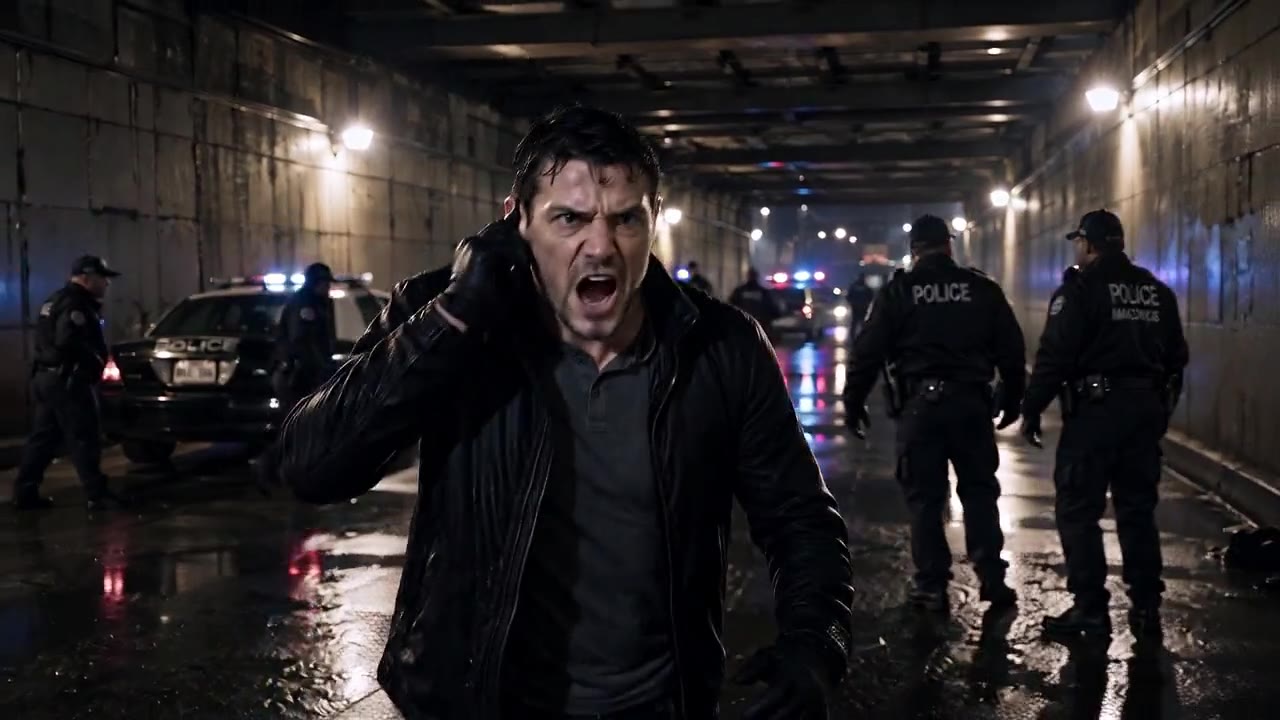
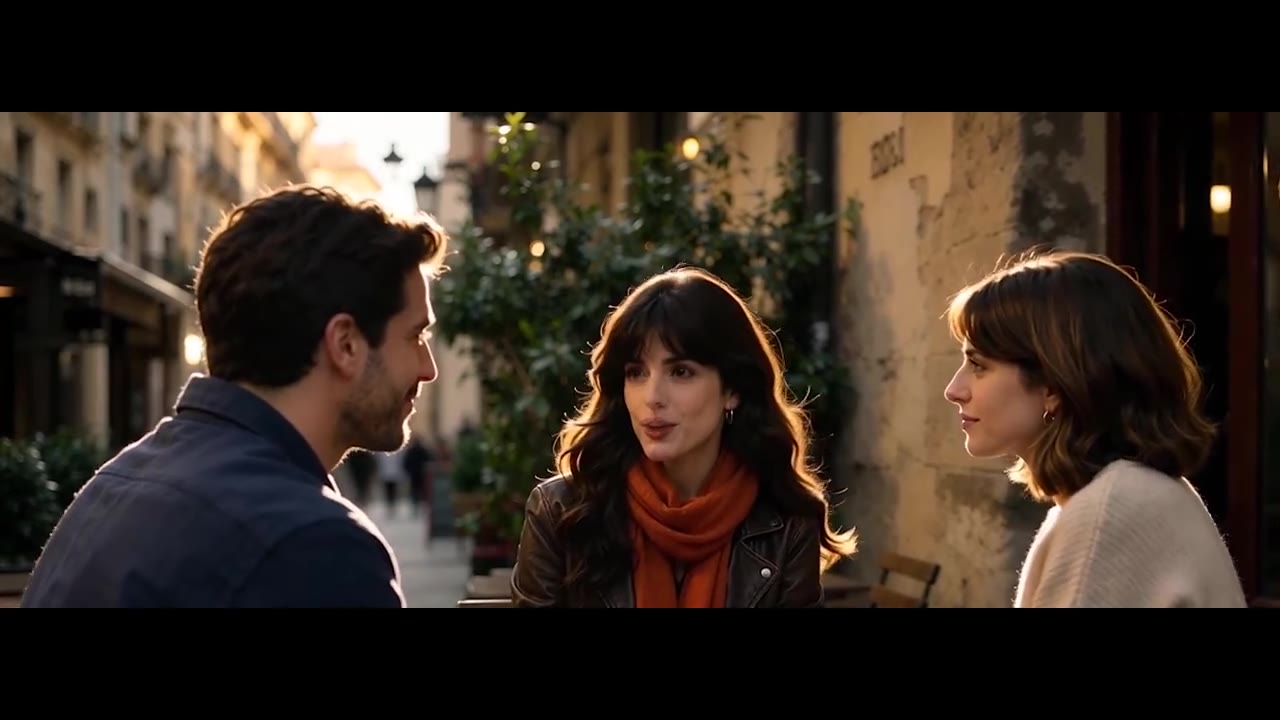
OmniHuman 2.0 can animate several characters in a single scene. Create conversations, interviews and group performances with audio-driven expressions and natural body movement. Turn podcast audio and dialogues into engaging videos. Use a group photo or a scene with several people, and give each speaker room in the frame for the clearest results.
Add an optional text prompt to your image and audio in OmniHuman 2.0. Describe actions, gestures, scene behavior and camera movement to shape the result. Combine audio-driven animation with prompt guidance for more controlled talking videos. For example, write “smiles and waves at the camera, slow push-in” to open a product video with a friendly greeting.
Make a lifelike talking video in OmniHuman 2.0 in three simple steps:
Sign in and open the OmniHuman 2.0 workspace. Upload one clear JPG, PNG or WEBP image of up to 30 MB, 300–6,000 px per side, with an aspect ratio between 0.4 and 2.5. Photos, illustrations and stylized characters all work.
Upload speech or singing as MP3 or WAV, up to 15 MB and 4 to 300 seconds long. The audio sets the video length. If you like, describe gestures, scene or camera moves in up to 300 characters.
Check the credit quote and generate. Your OmniHuman 2.0 video appears in the conversation and My creations, ready to preview and download.
OmniHuman 2.0 extends audio-driven avatars to videos up to 5 minutes long, ideal for presentations, singing and digital humans. OmniHuman 1.5 makes shorter clips with up to 1080p output. Both support lip sync, expressive gestures and prompt-guided animation.
| Capability | OmniHuman 2.0Up to 5 min | OmniHuman 1.5 |
|---|---|---|
| Positioning | Long-form talking avatars | Short high-resolution clips |
| Input | Image + audio + optional prompt | Image + audio + optional prompt |
| Audio-driven animation | Supported | Supported |
| Lip sync | Supported | Supported |
| Facial expressions | Supported | Supported |
| Body gestures | Supported | Supported |
| Multi-person animation | Supported | Supported |
| Text prompt control | Supported | Supported |
| Maximum video length | Up to 300 seconds | Under 60 seconds |
| Video length | Follows the audio, 4–300 s | Follows the audio |
| Output resolution | 720p | 720p / 1080p |
| Best for | Talks, courses, songs and podcasts | Short high-resolution avatar clips |
OmniHuman 2.0 is ByteDance's audio-driven AI video model. It turns a character image and an audio file into a talking avatar video with synchronized lip movements, facial expressions and body gestures. It works with real photos, illustrations and stylized characters, and makes videos up to 5 minutes long in 720p.
OmniHuman 2.0 analyzes the speech, rhythm and emotion in your audio, then animates your image with matching lip movements, facial expressions and body gestures. An optional text prompt can guide actions and camera moves. Clear speech with little background noise gives the most accurate lip sync.
Upload one JPG, PNG or WEBP image of up to 30 MB, 300–6,000 px per side, with an aspect ratio from 0.4 to 2.5. Audio must be MP3 or WAV, up to 15 MB and 4 to 300 seconds long. The upload box tells you the exact reason if a file doesn't fit.
OmniHuman 2.0 makes videos from 4 to 300 seconds (5 minutes). The video always matches the length of your audio and is delivered in 720p.
OmniHuman 2.0 uses 28 credits per second of audio. A 10-second video costs 280 credits, a 1-minute video 1,680 credits and a 5-minute video 8,400 credits. The workspace shows the exact quote after you add the audio. OmniHuman 2.0 requires VIP.
Yes. OmniHuman 2.0 can animate several people in one scene, which works well for interviews, podcasts and group performances. Results depend on the image, the audio and how complex the scene is. For the clearest result, use an image where every face is visible and well lit.
OmniHuman 2.0 makes longer videos of up to 300 seconds at 720p, ideal for talks, lessons and songs. OmniHuman 1.5 focuses on clips under 60 seconds with up to 1080p. Both offer audio-driven lip sync, expressions and gestures.
Yes. Add an optional prompt of up to 300 characters to describe actions, gestures, the scene or camera moves. Prompts work in Chinese, English, Japanese, Korean, Spanish and Indonesian. The final motion also follows the audio.
Yes. Upload a song as MP3 or WAV and OmniHuman 2.0 syncs the lips, breathing and body rhythm to the music. It suits virtual singers, digital idols and music videos up to 5 minutes long.
Use OmniHuman 2.0 for AI presenters, UGC-style product ads, course and training videos, visual podcasts, virtual singers and animated illustrations. Any portrait and voice recording can become a talking video without filming.
Sign in, activate VIP and open the OmniHuman 2.0 workspace from this page. Upload a portrait and your audio, add a prompt if you like, and generate. No code and no software to install. Your first talking video can be ready in minutes.