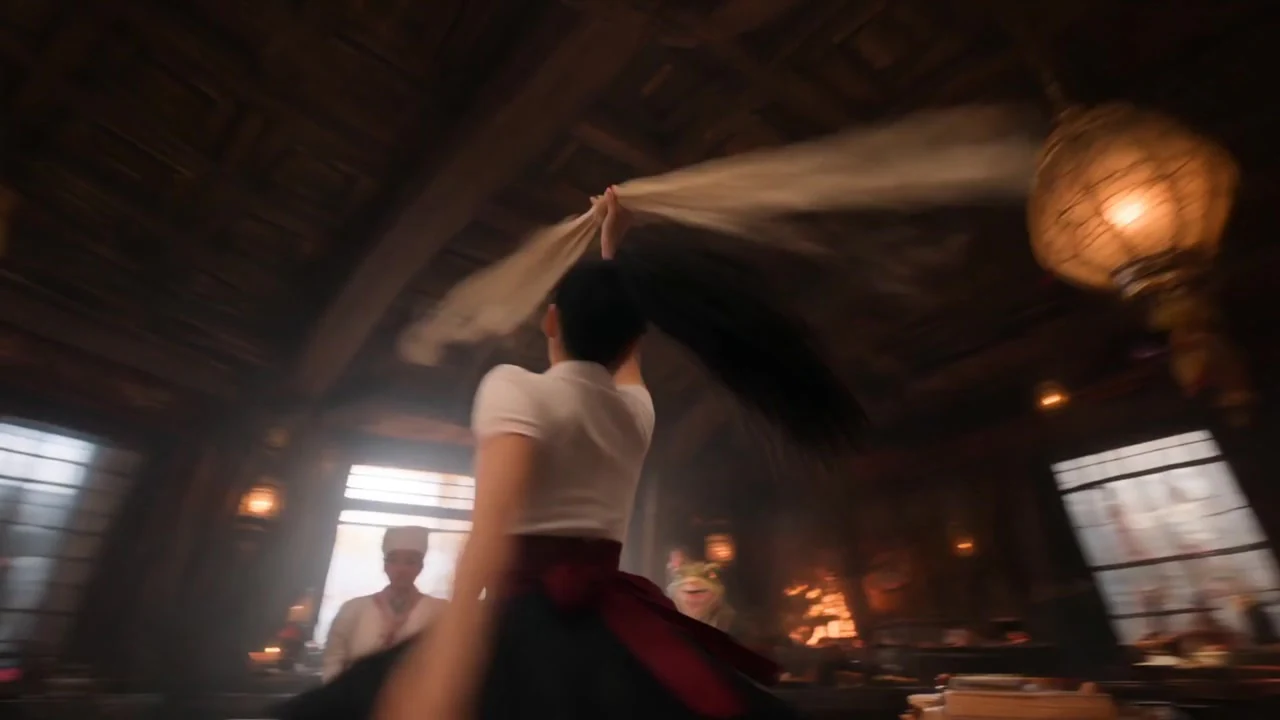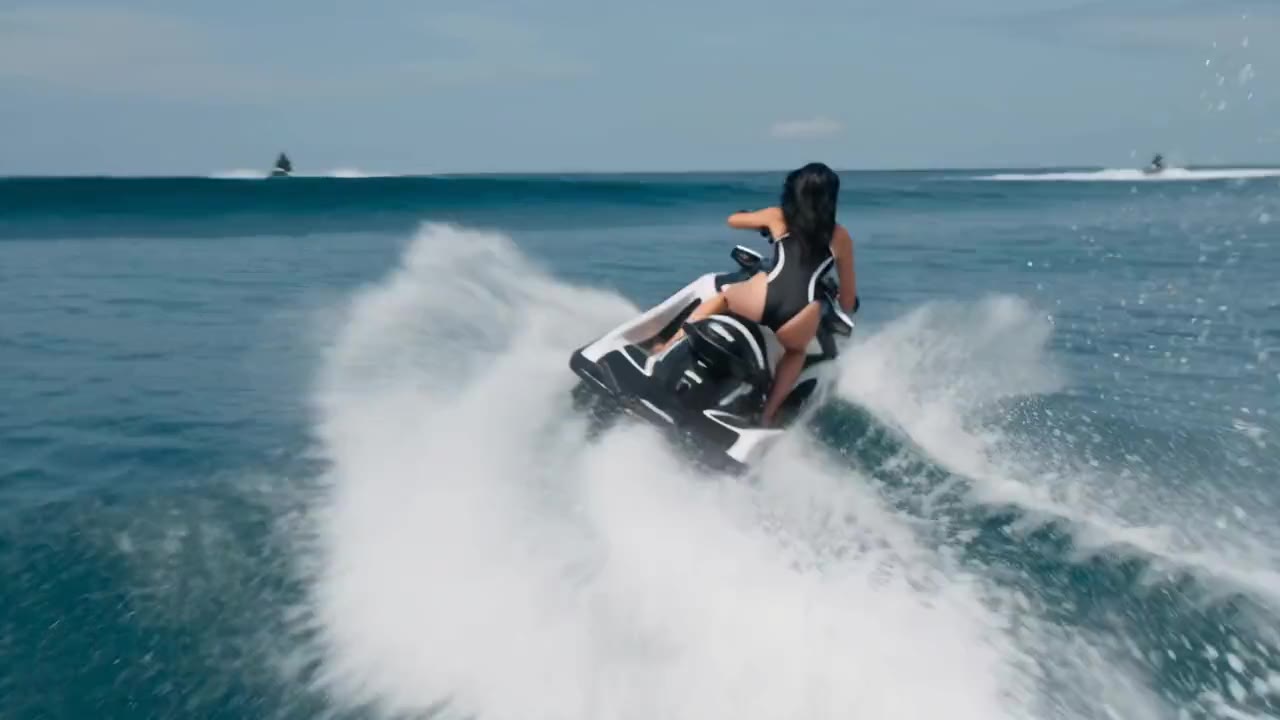
Kling 2.1 Standard
Kling 2.1 Standard delivers cost-effective 720p video generation. It supports image-to-video with basic motion enhancement for smooth, stable results, helping you create eye-catching visuals at low cost.
Open workspaceKling 2.1 powers cutting-edge video generation with hyper-realistic motion, advanced physics and high-resolution output up to 1080p. Its enhanced semantic understanding and fast rendering make it ideal for dynamic, professional-grade video creation.
Cost-effective and reliable, with 1080p HD resolution and lifelike motion.
Kling 2.1 Standard delivers cost-effective 720p video generation. It supports image-to-video with basic motion enhancement for smooth, stable results, helping you create eye-catching visuals at low cost.
Open workspaceKling 2.1 Pro is built for professional workflows, delivering 1080p HD resolution with more realistic visuals and smoother motion, balancing high quality and value. Seamless transitions and rich scene detail make it ideal for professional-grade video.
Open workspaceKling 2.1 Master unlocks advanced capabilities, with advanced physics and dynamic camera control for hyper-realistic 1080p video, tailored for complex animation. With unmatched fidelity and creative freedom, Kling 2.1 Master excels in demanding projects that call for realistic motion and cinematic quality.
Open workspaceSharper output, more lifelike motion and faster rendering: an upgrade for every video you create.
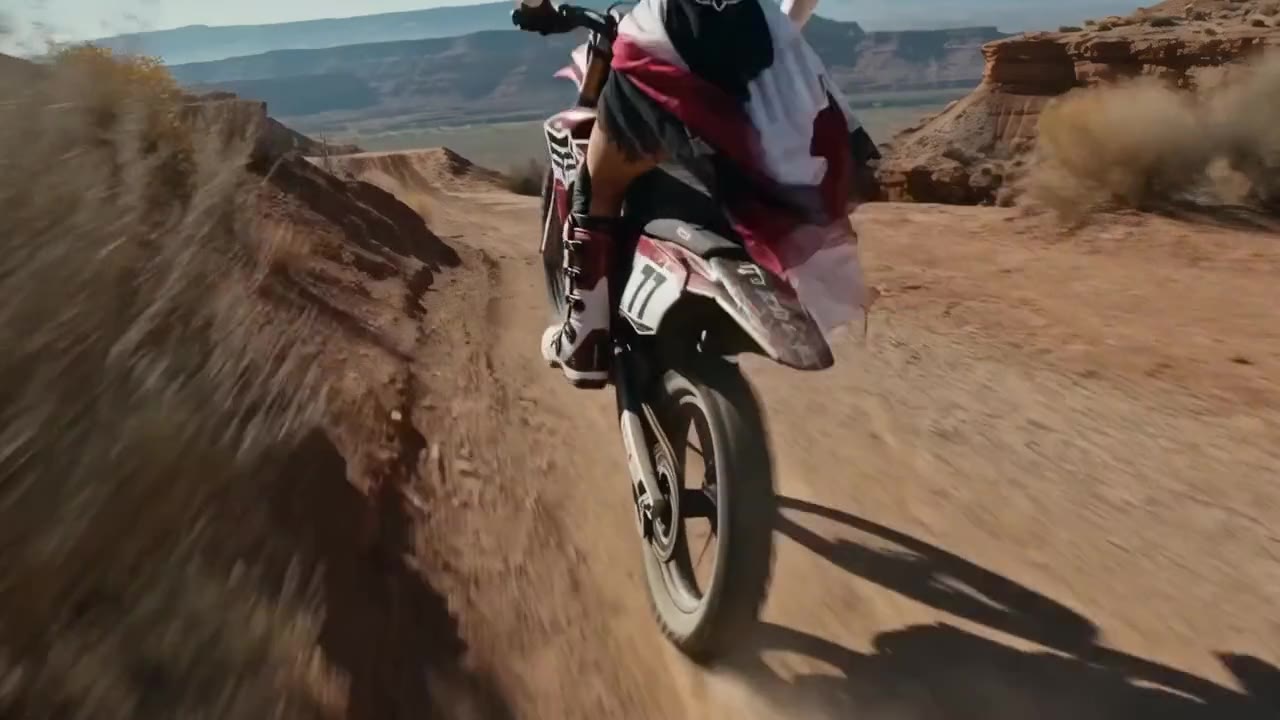
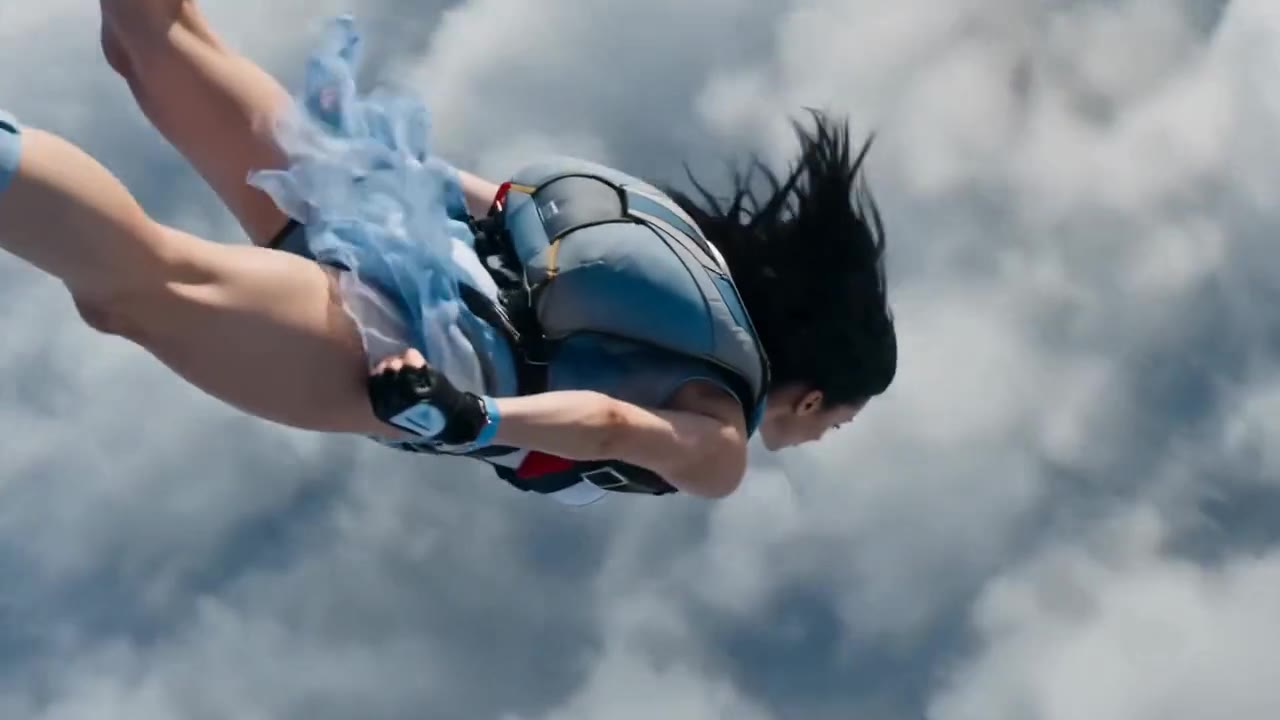
Kling 2.1 uses an advanced 3D spatiotemporal attention mechanism to create lifelike motion, such as fluid character movement and natural object trajectories. Videos come out coherent, smooth and free of artifacts, with 20%–30% more realism, perfect for sports, action and other high-motion scenes.
The Pro and Master versions now support up to 1080p resolution, breaking through the 720p limit of Kling 1.6. Enhanced rendering reduces pixel grain and delivers sharp, high-quality video that meets the modern production standards of creators and businesses.
Kling 2.1 introduces advanced camera control that moves beyond the limits of Kling 1.6, letting you precisely adjust camera angle, zoom and trajectory. It also supports complex continuous scenes and smooth style transitions for effortless cinematic storytelling.
Kling 2.1 upgrades both text-to-video and image-to-video generation, with accuracy well beyond Kling 1.6. Stronger semantic understanding lets it parse complex prompts precisely, and it accepts JPEG or PNG images up to 10 MB.
Kling 2.1 renders up to 50% faster than Kling 1.6 and can produce a 5-second video in as little as 30 seconds. Optimized algorithms keep output stable and greatly reduce the broken frames and distortion common in earlier versions.
Custom video duration, negative prompts and CFG scale are all supported. This flexibility helps creators fine-tune video quality and content, avoid unwanted elements and keep results closely aligned with the prompt.
Create stunning AI videos in Kling 2.1 in just three simple steps:
Sign in and open the workspace. Pick Standard, Pro or Master for image-to-video, or Master for text-to-video.
Upload a JPEG or PNG up to 10 MB, or write a text prompt. Choose 5 or 10 seconds, and add a negative prompt and CFG scale if needed.
Check the credit quote and generate. Your video appears in the conversation and My creations, ready to preview and download.
Compared with Kling 1.6, it brings 1080p output, more realistic motion, precise camera control and up to 50% faster rendering.
| Capability | Kling 2.1Upgraded | Kling 1.6 |
|---|---|---|
| Maximum resolution | 1080p on Pro and Master | 720p |
| Motion and physics | 3D spatiotemporal attention, 20%–30% more realism | Baseline realism |
| Camera control | Precise angle, zoom and trajectory | More limited |
| Rendering speed | Up to 50% faster; a 5-second video in as little as 30 seconds | Baseline |
| Output stability | Far fewer broken frames and distortions | Broken frames and distortion more common |
| Credits per 5-second video | Standard 50 · Pro 100 · Master 320 | Not offered on this site |
| Best for | Professional, high-motion 1080p video | Earlier 720p workflows |
Kling 2.1 is a powerful AI video generation model that creates high-quality videos. It turns text prompts or images into dynamic videos with realistic motion and physics, making it ideal for marketing and creative projects.
A 5-second video costs 50 credits on Standard, 100 on Pro and 320 on Master, and 10 seconds costs double. All current Kling 2.1 versions require VIP; for a no-VIP start, try Kling 2.5 Turbo.
It offers high-resolution output up to 1080p, realistic motion, camera control and versatile text-to-video or image-to-video generation. Compared with Kling 1.6, it renders faster with fewer artifacts, making it a top choice for dynamic, high-quality video.
Getting started with Kling 2.1 is easy: sign in, activate VIP, open the workspace from this page, choose a version and add an image or prompt. No code and no software to install.
Master stands out for hyper-realistic 1080p video with advanced physics and dynamic camera movement. It fully supports text-to-video and image-to-video, so creators can build richly detailed scenes from a text prompt or an image.
For image-to-video, it accepts JPEG and PNG images up to 10 MB. Finished videos are delivered in a standard format that works with most platforms and workflows.
Compared with Veo 3, Kling 2.1 has a clear edge in video length. Both create smooth 1080p video, but it generates up to 10 seconds, beyond Veo 3's 8-second limit. For longer clips, Kling 3.0 and Kling O3 go up to 15 seconds.
It supports custom duration (5 or 10 seconds), negative prompts and CFG scale (0 to 1, default 0.5). The main prompt allows 5,000 characters and the negative prompt allows 500.