PixVerse V6 Max Text to Video
Turn a written scene into a cinematic video. Describe characters, actions, emotions and camera moves, then choose from eight aspect ratios, including 16:9, 9:16, 1:1 and 21:9.
Open workspacePixVerse V6 Max is PixVerse's AI video model for cinematic text-to-video and image-to-video generation. It delivers realistic motion and native audio, with up to 15-second videos at 1080p.
Text or image to video · 360p–1080p · 1–15 seconds · optional native audio
Start from a written scene or from a still image. Both modes offer 360p to 1080p, 1 to 15 seconds and optional native audio.
Turn a written scene into a cinematic video. Describe characters, actions, emotions and camera moves, then choose from eight aspect ratios, including 16:9, 9:16, 1:1 and 21:9.
Open workspaceBring a still image to life. Your image becomes the first frame, and the video keeps its subject, product details and aspect ratio while adding cinematic motion.
Open workspacePixVerse V6 Max turns text prompts or images into cinematic videos with realistic motion, precise camera control and consistent characters across scenes.
Create cinematic AI videos from text prompts or images with PixVerse V6 Max. Generate videos up to 15 seconds long in 1080p resolution with realistic motion, detailed visuals and native audio. Whether you start from a written idea or a still image, PixVerse V6 Max helps turn creative ideas into high-quality video content.
Bring complex creative instructions to life with greater accuracy. PixVerse V6 Max improves how the model follows detailed prompts involving character actions, emotional changes, camera movements and shot composition. Control framing, subject placement and camera transitions to create videos that better match your intended scenes.
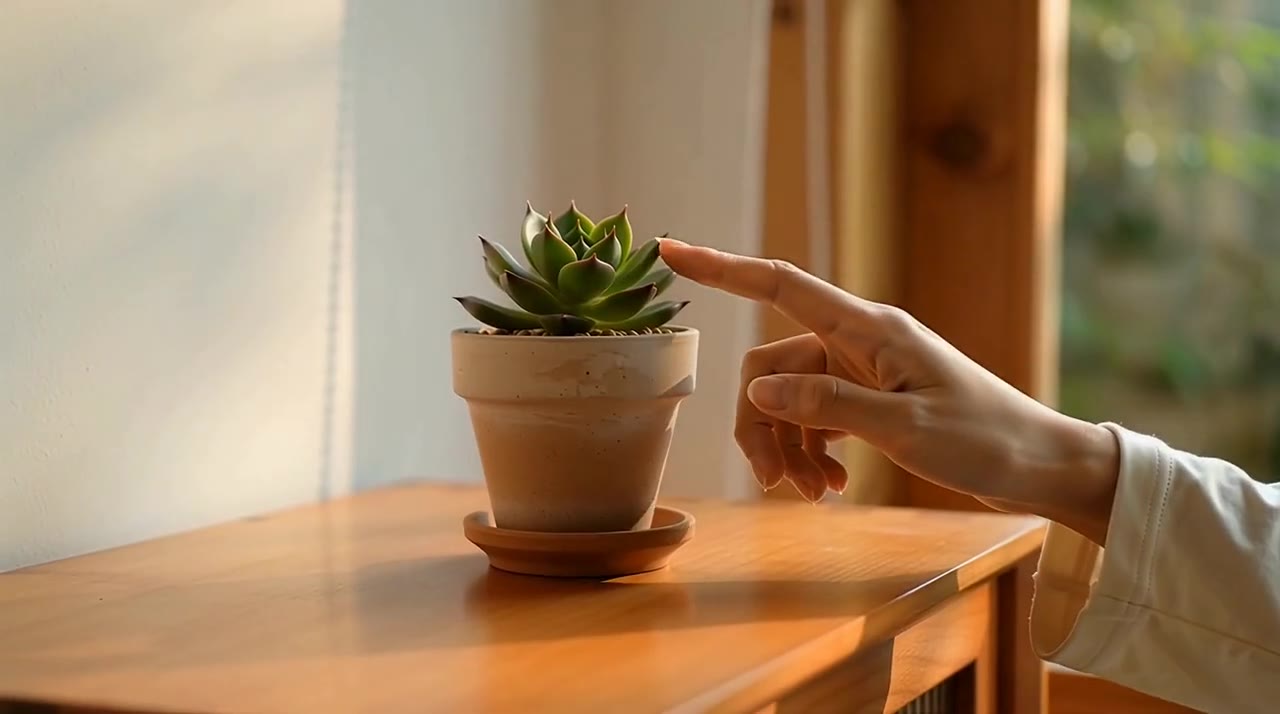
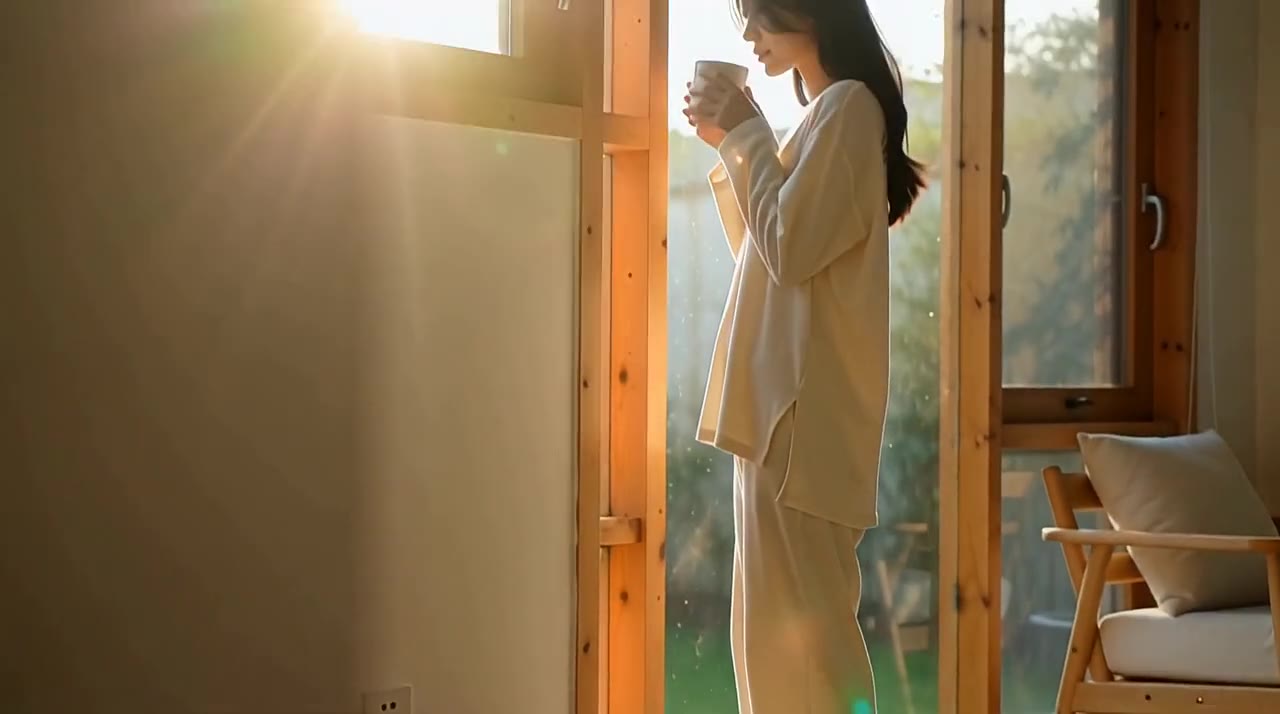
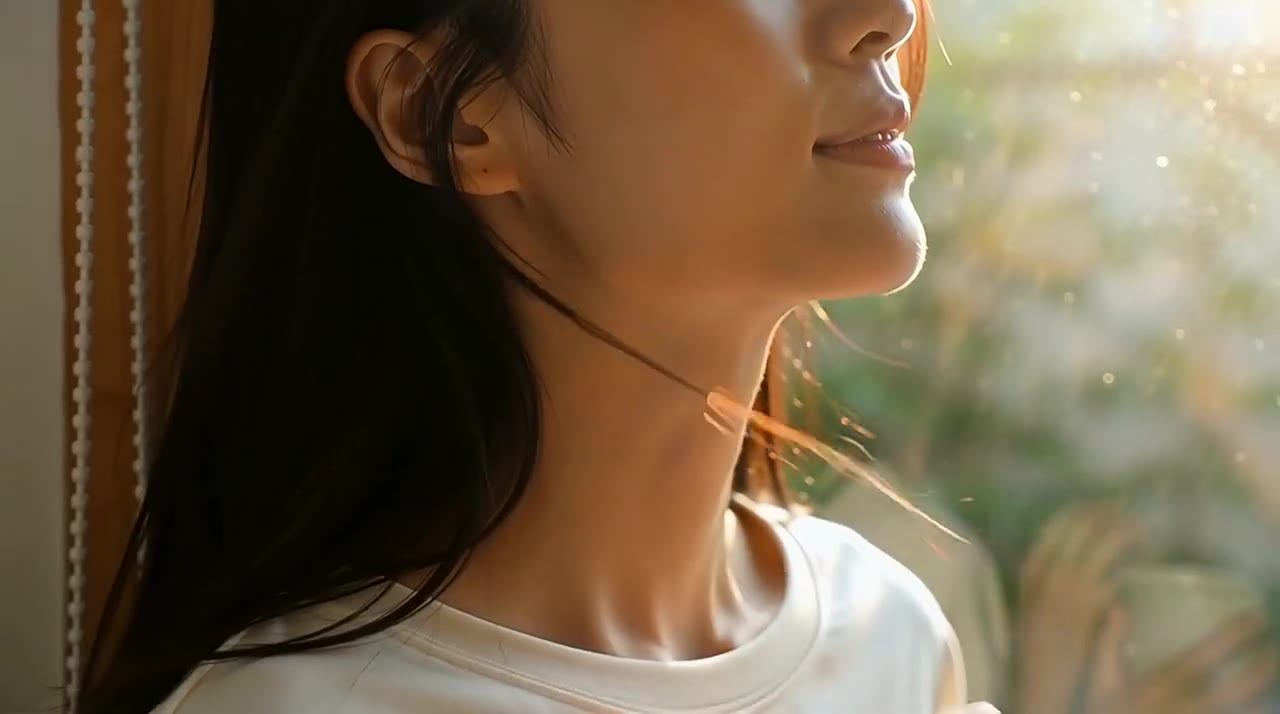
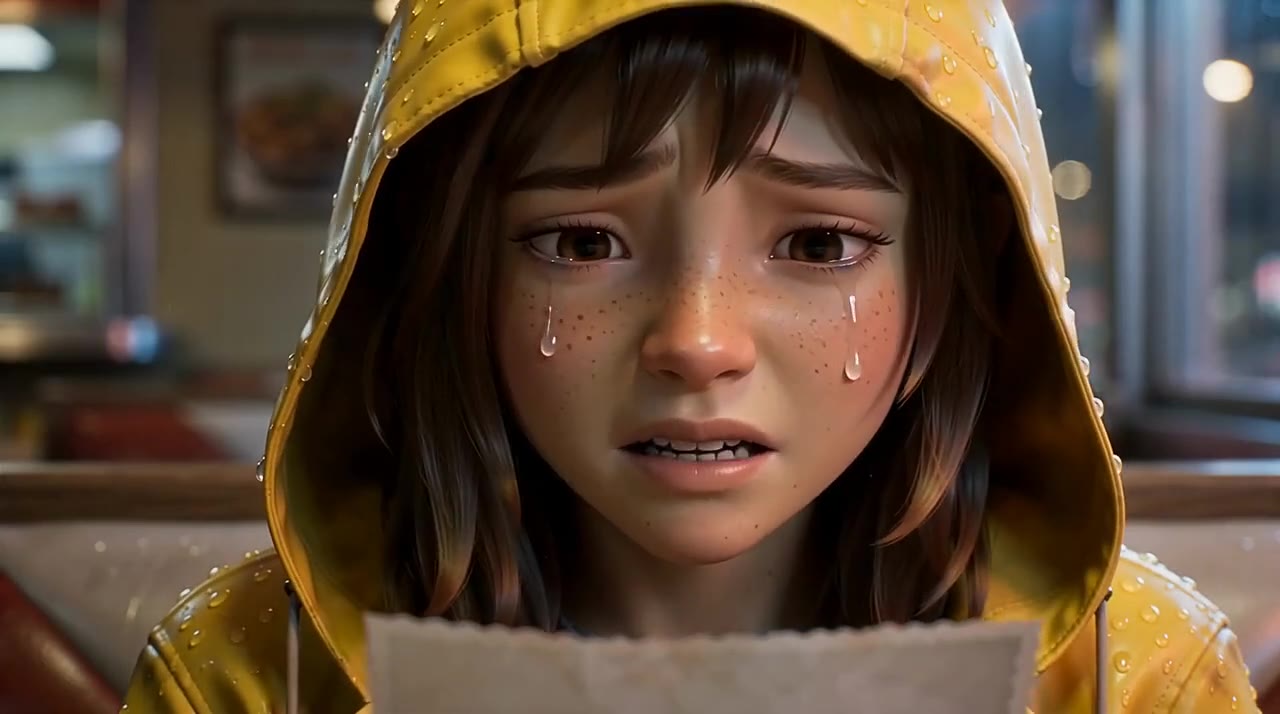
Create lifelike AI videos with realistic lighting, detailed textures and cinematic depth. PixVerse V6 Max enhances character performances through natural facial expressions, eye movements, breathing and body language. Generate emotionally engaging scenes with believable interactions, ideal for cinematic storytelling and creative video production.
Maintain consistent characters and objects across multiple shots with PixVerse V6 Max. The model improves visual stability when camera angles, framing and scenes change. Preserve facial features, clothing, product details and other key elements for more coherent AI videos with natural transitions and fewer visual inconsistencies.
Create engaging audio-visual content with PixVerse V6 Max. The model improves synchronization between music, character movements, visual effects and camera transitions. Generate music videos and performance scenes where visual changes follow musical beats and rhythm, delivering a more cohesive viewing experience with native audio generation.
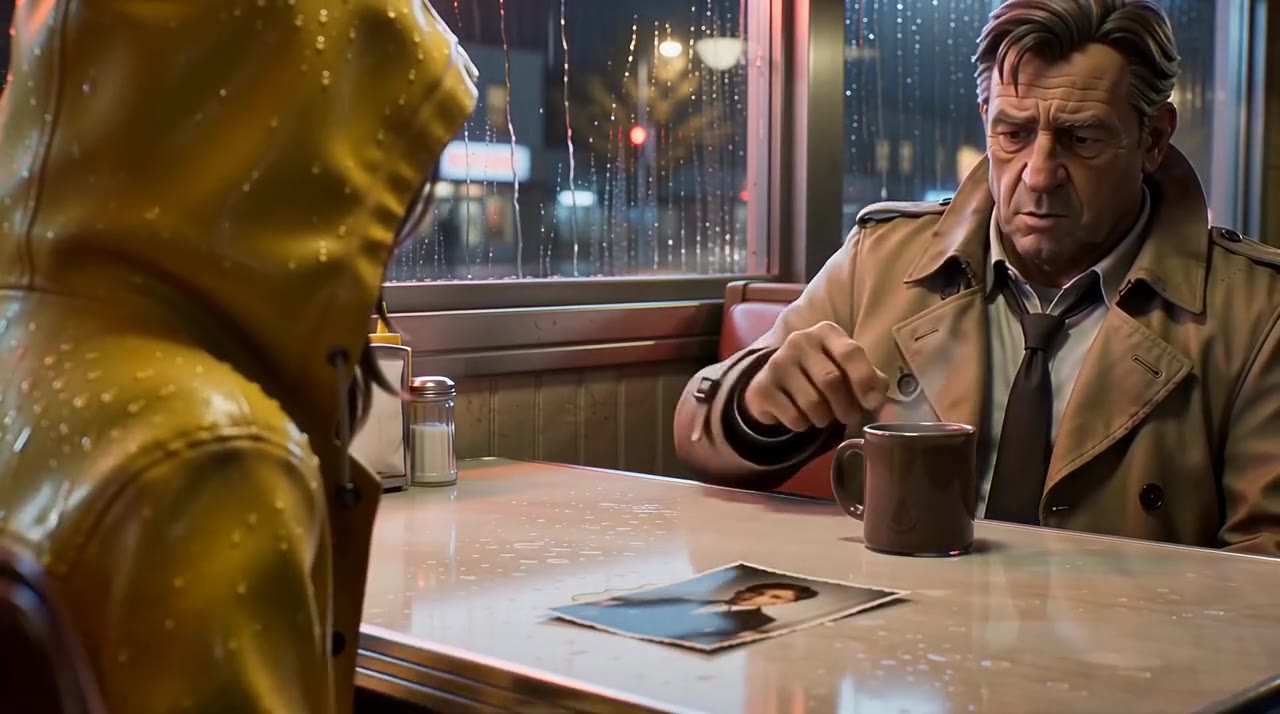
Generate realistic dialogue scenes with improved lip synchronization in PixVerse V6 Max. The model better matches spoken lines to individual characters while maintaining natural speaking turns, pauses and facial reactions. Create AI short films, conversational videos and character-driven stories with more accurate audio-visual alignment.
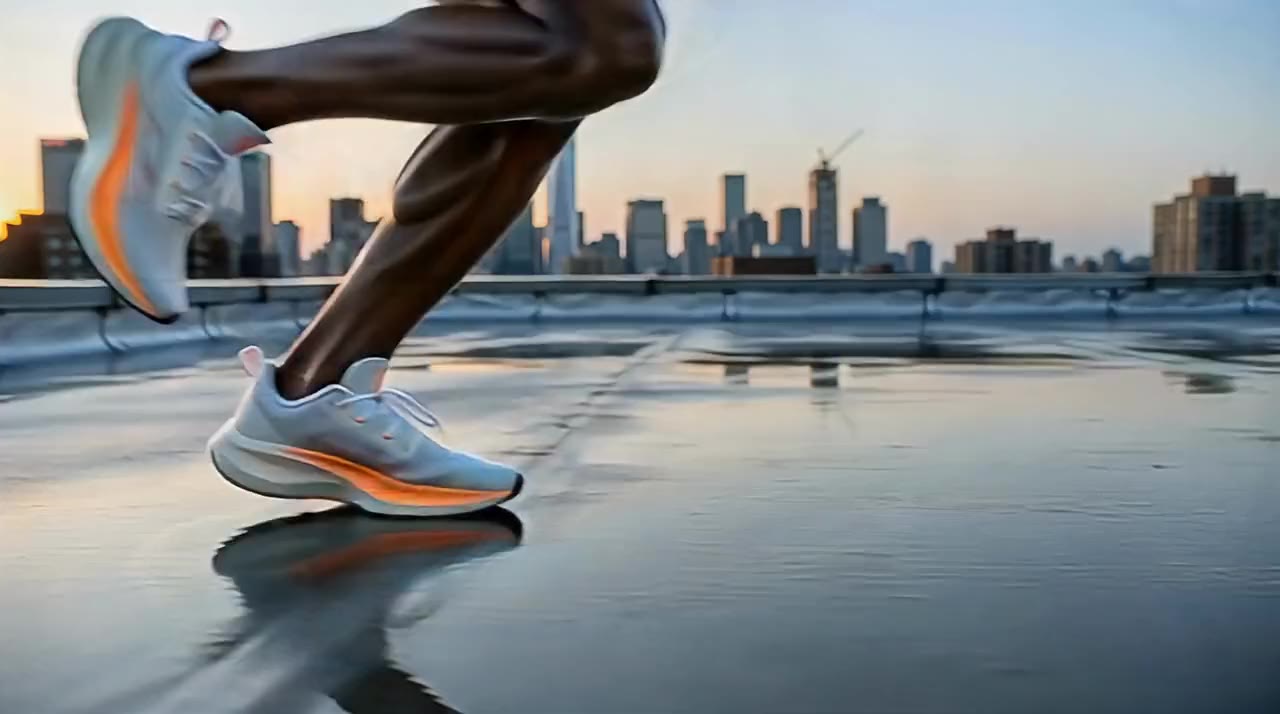
Create professional product videos and advertisements with PixVerse V6 Max. The model improves consistency in product shapes, colors, packaging and branding across different shots. Enhanced text rendering helps maintain clearer product labels, brand names and promotional messages, making it useful for e-commerce marketing and commercial video creation.
Create cinematic AI videos in PixVerse V6 Max in just three simple steps:
Sign in and open the PixVerse V6 Max workspace. Start from a text prompt, or upload one JPG, PNG or WEBP image of up to 20 MB as the first frame.
Write character actions, emotions, camera moves and shots in up to 5,000 characters. Choose 360p to 1080p and 1 to 15 seconds, pick an aspect ratio for text to video, and turn on Generate Audio for dialogue, music and effects.
Check the credit quote and generate. Your PixVerse V6 Max video appears in the conversation and My creations, ready to preview and download.
Both create up to 15-second 1080p videos with native audio. PixVerse V6 Max raises visual quality, prompt adherence, realistic motion and character consistency across shots.
| Capability | PixVerse V6 MaxMax quality | PixVerse V6 |
|---|---|---|
| Positioning | Flagship cinematic quality | Everyday all-rounder |
| Visuals and textures | Enhanced cinematic visuals, more detailed textures | Solid detail |
| Following detailed prompts | Improved for actions, emotions and camera moves | Good on simpler scenes |
| Motion and expressions | More realistic motion, natural facial expressions | Natural motion |
| Characters across shots | More consistent faces, clothing and products | May drift between shots |
| Dialogue scenes | Improved lip sync and speaking turns | Basic lip sync |
| Labels and on-screen text | Enhanced text rendering | Standard text rendering |
| Beat-synced music visuals | Visuals follow beats and rhythm | Not a focus |
| Length, resolution and audio | 1–15 s · 360p–1080p · native audio | 1–15 s · 360p–1080p · native audio |
| Native audio | Optional: dialogue, ambience and effects | Optional |
| Aspect ratios for text to video | 8 ratios, from 21:9 to 9:16 | Several common ratios |
| Best for | Short films, ads and music videos | Quick drafts and everyday clips |
PixVerse V6 Max is an AI video generation model designed to create high-quality videos from text prompts or images. It supports up to 15-second 1080p video generation, native audio and cinematic storytelling.
PixVerse V6 Max focuses on higher visual quality, improved prompt adherence, realistic motion and more consistent characters across scenes. It delivers enhanced cinematic visuals, natural character expressions and more detailed textures for professional AI video generation.
PixVerse V6 Max supports video generation up to 15 seconds at 1080p resolution. In the workspace you can choose any length from 1 to 15 seconds and 360p, 540p, 720p or 1080p output.
Text to video offers eight aspect ratios: 16:9, 4:3, 1:1, 3:4, 9:16, 2:3, 3:2 and 21:9. Image to video follows the shape of your uploaded image, so crop the image first if you need a specific frame.
Yes. PixVerse V6 Max supports native audio generation, including dialogue, environmental sounds and sound effects. Turn on Generate Audio in the workspace to create videos with matching audio without relying on separate audio tools.
PixVerse V6 Max is billed per second by resolution and sound. Without sound it uses 9.6 credits per second at 360p, 14.4 at 540p, 17.6 at 720p and 35.2 at 1080p; with sound it uses 14.4, 17.6, 24 and 44.8. A 5-second 720p video costs 88 credits, or 120 with sound. PixVerse V6 Max requires VIP; for a no-VIP start, try Kling 2.5 Turbo.
Upload one JPG, PNG or WEBP image of up to 20 MB, with each side up to 10,000 px. PixVerse V6 Max uses it as the first frame, and the video follows the image's aspect ratio.
Describe the subject, action, emotion and camera move in order, then add shot size and lighting. For dialogue, write each line and who speaks first. PixVerse V6 Max follows detailed prompts of up to 5,000 characters.
PixVerse V6 Max animates one image as the first frame and does not take an end frame. To control both the opening and the closing shot, use Kling 3.0 or Kling 2.6 with start and end frames.
Yes. PixVerse V6 Max suits product ads, e-commerce clips, music videos and short posts for TikTok, Instagram Reels and YouTube Shorts. Start from a clear product image to keep shapes, colors and labels consistent.
Sign in, activate VIP and open the PixVerse V6 Max workspace from this page. Choose text to video or image to video, write your prompt and generate. No code and no software to install.