
Kling AI Text to Video Generator
Turn text prompts into videos with Kling 4. Describe your scene, choose a Kling model, and shape the action and camera movement. Start creating today.
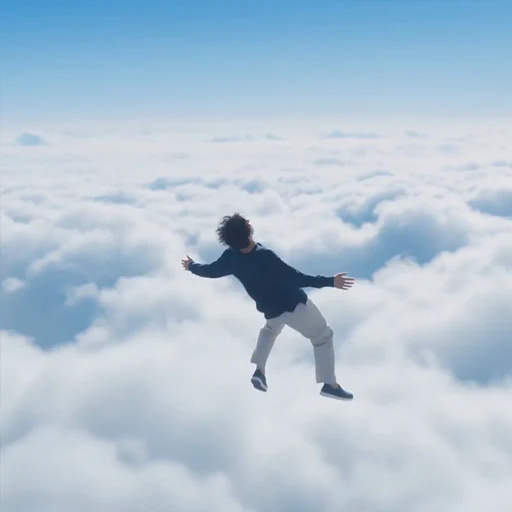
Kling 4 Text to Video
Your videos
Your next creation starts here
Your generated videos will appear here.
How to use Kling Text to Video
Create a video in three steps:
Choose a video model
Choose an available Kling text-to-video model and review its duration, resolution and audio options.
Enter your prompt and settings
Describe the subject, action, camera and lighting. Select the aspect ratio and output settings supported by your model.
Generate and download
Sign in, review the credit quote and submit. View, save or download the completed video in your workspace.
Kling Text to Video FAQ
Answers about inputs, output settings and your creative workflow.
What is Kling Text to Video?
Generate video from a written scene description without supplying a starting image.
What are its main features?
Text prompts, model selection and supported aspect ratio, duration, resolution and audio settings.
How can I control the output?
Describe one clear action and camera direction. Refine the prompt after reviewing each result; results can vary.
What are common use cases?
Social clips, marketing concepts, product stories, storyboards and educational demonstrations.
Why choose Kling Text to Video?
Prepare prompts and settings in one place, review the credit quote before submission and manage completed videos in your workspace.